Create IAM Group
Create IAM group
- Access the IAM service management console
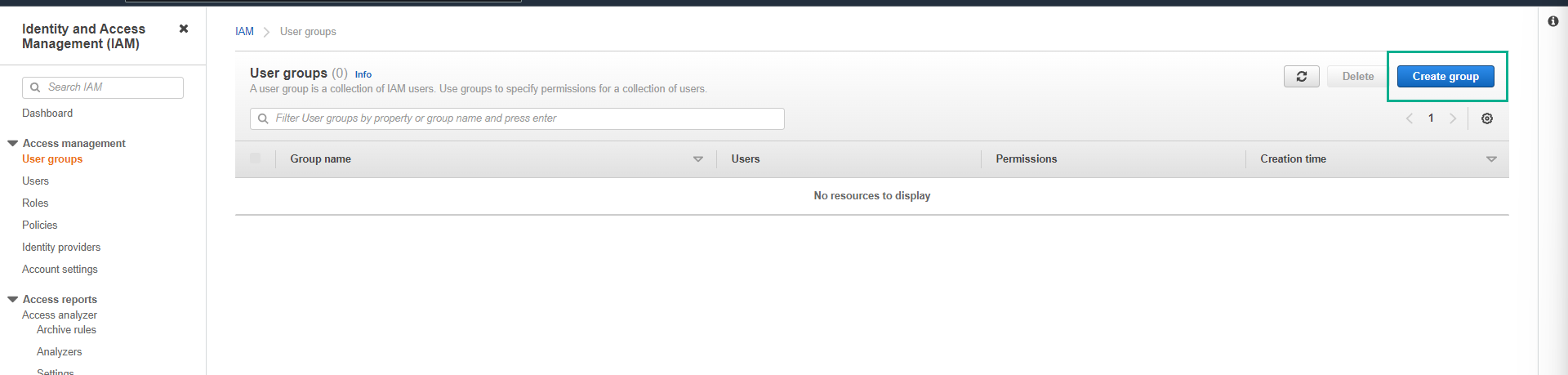
- In the left menu, click IAM user groups.

- On the IAM user groups page.
- Click Create group.
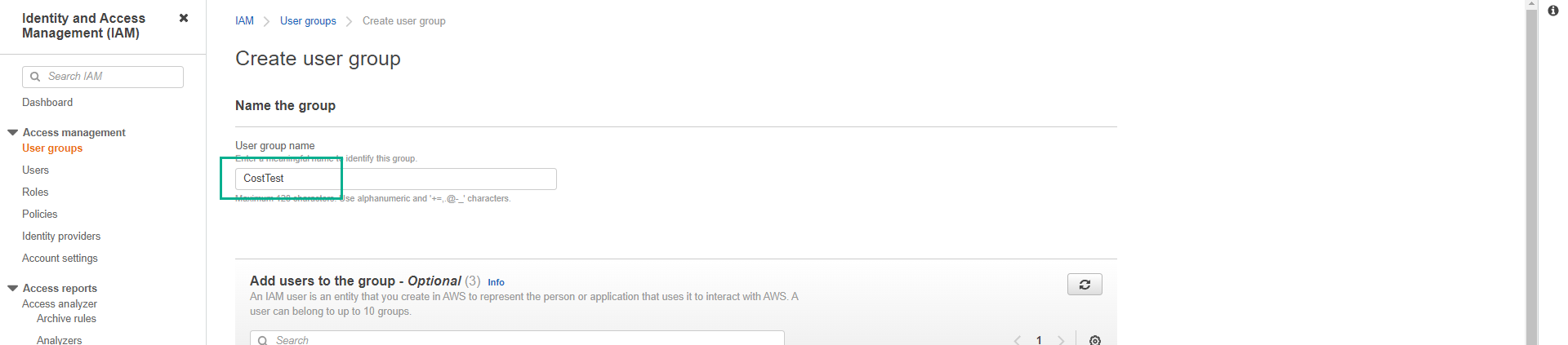
- On the Create user group page.
- Set User group name as CostTest.
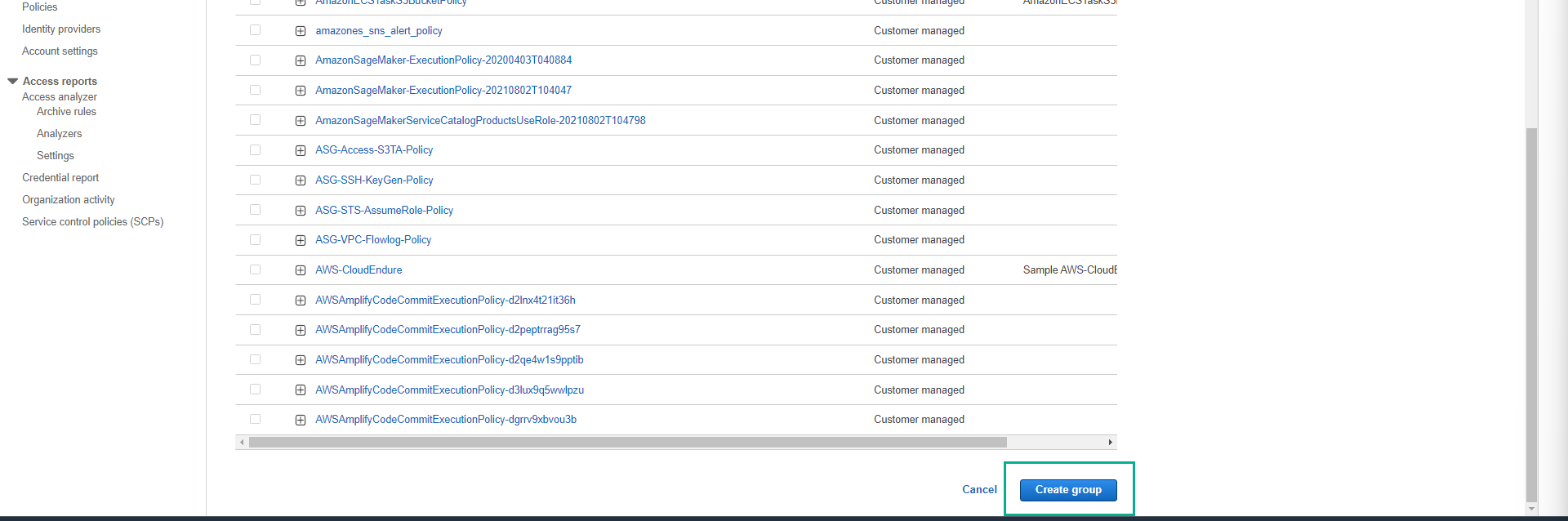
- Scroll to the bottom of the page and click Create user group.
- We will see the CostTest user group created successfully as shown below.
In the next step, we will create the IAM user testuser inside the CostTest group.