Create IAM user
Create IAM user
- After successfully creating the group, in the left menu.
- Click IAM users.
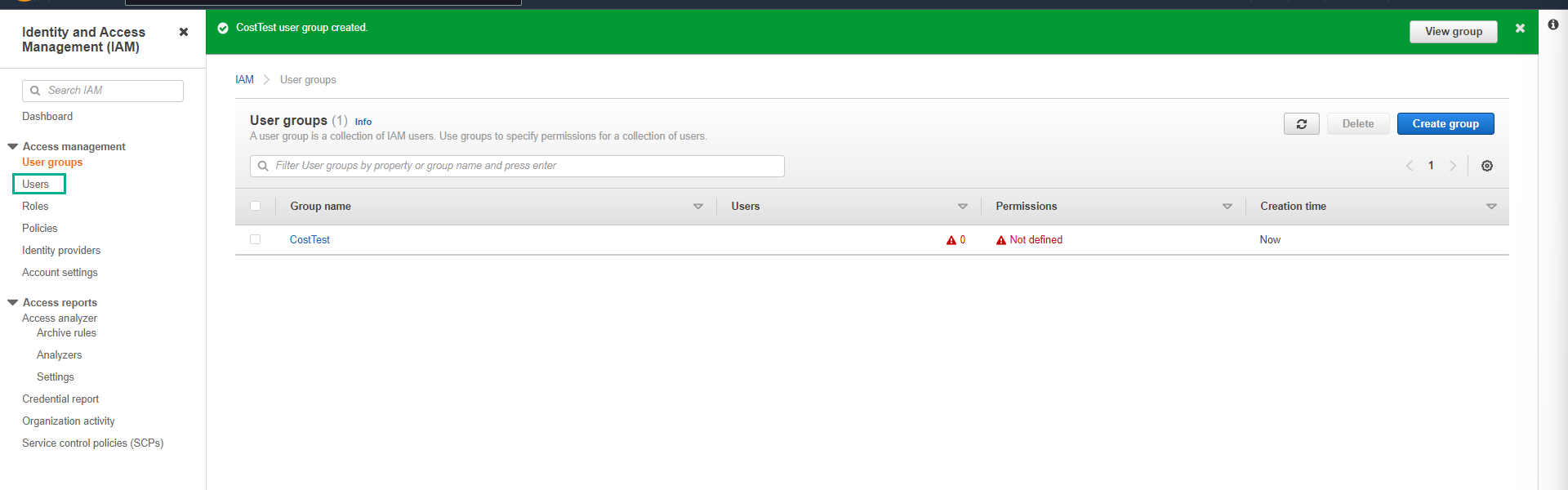
- On the IAM users page.
- Click Create users.

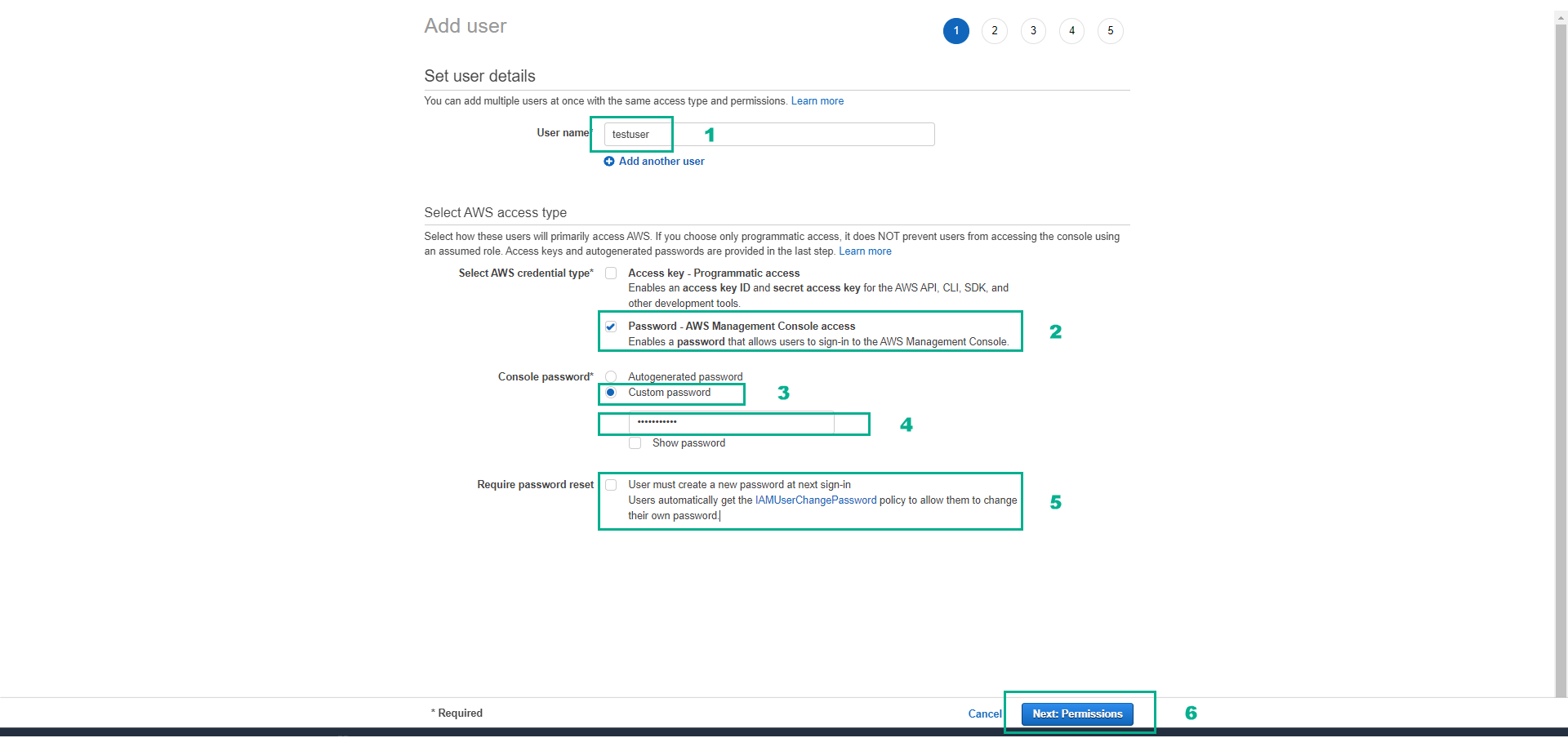
- On the Create user page.
- Set User name as testuser.
- Check Provide user access to the AWS Management Console - optional to allow user login to the management console.
- Check Custom password to set a custom password.
- Set the password as 12346Aa@.
- Uncheck User must create a new password at next sign-in.
- Click Next.
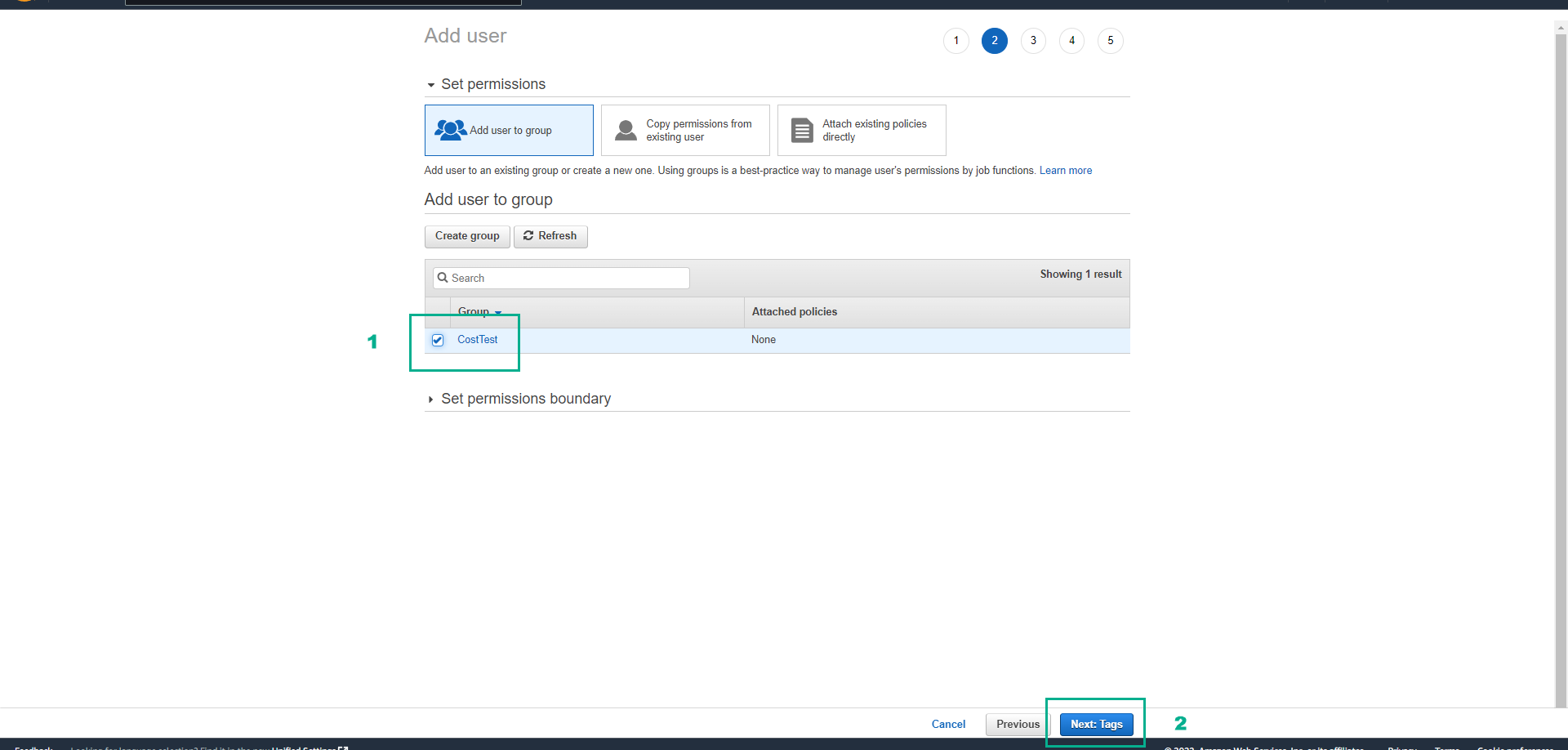
- Check the CostTest group, then click Next.
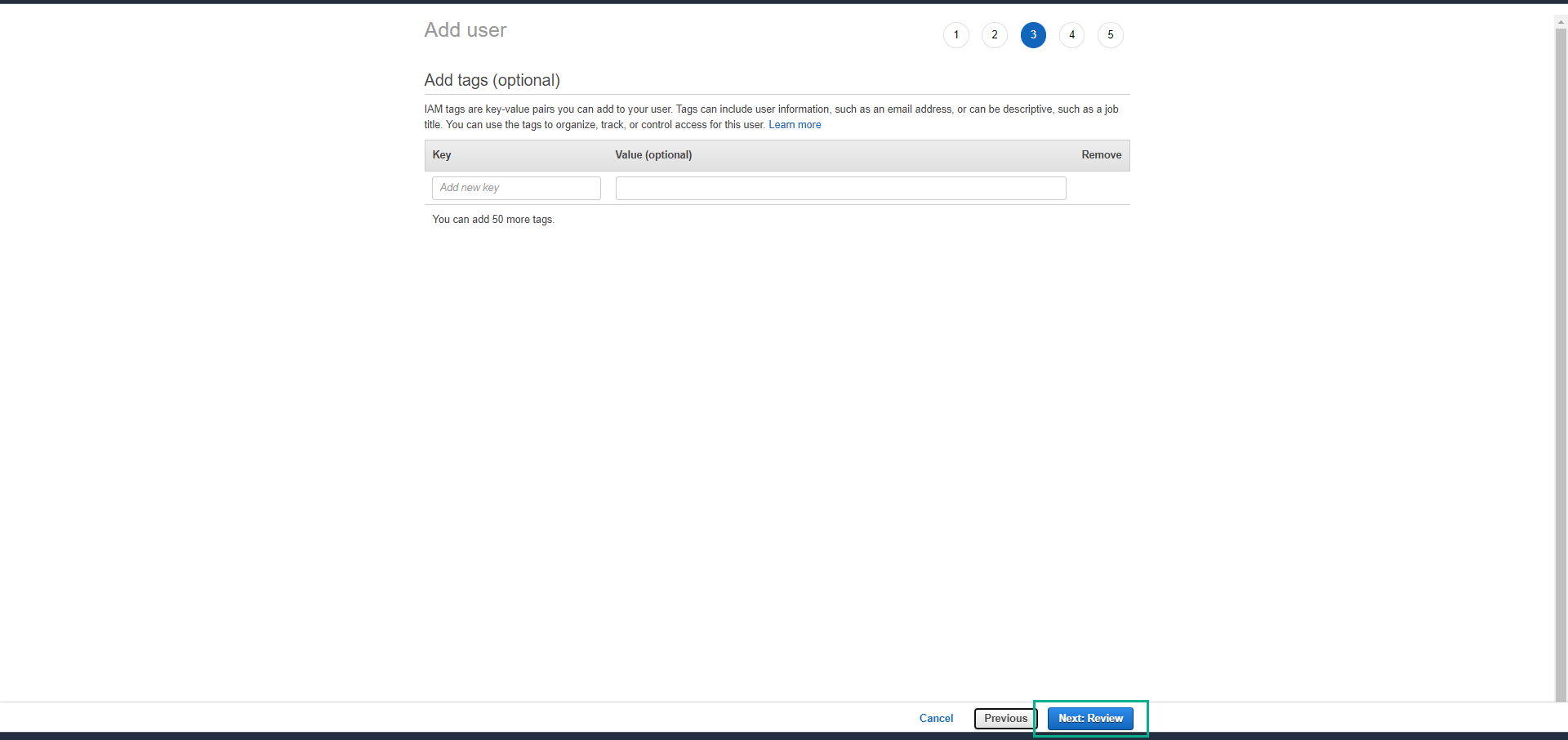
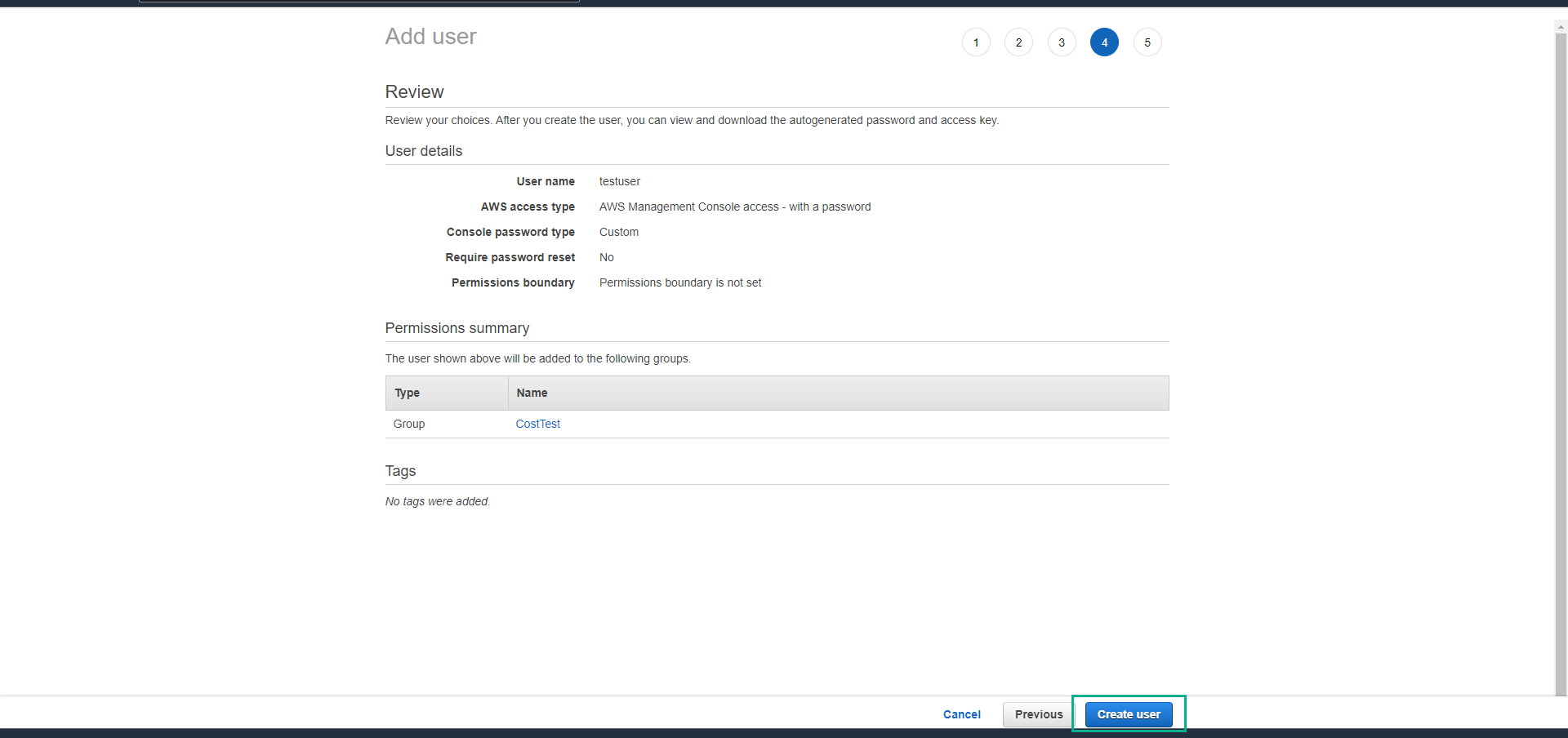
- Review the information, click Create user.
- Ensure the user is created successfully. Click Close.
We have finished preparing the IAM user and group, next we will proceed to assign permissions to restrict resource usage by Region.