Test policy effectiveness
Test policy effectiveness by creating an EC2 instance other than T3 family.
Click on the name of the currently logged-in user.
- Click Sign out.
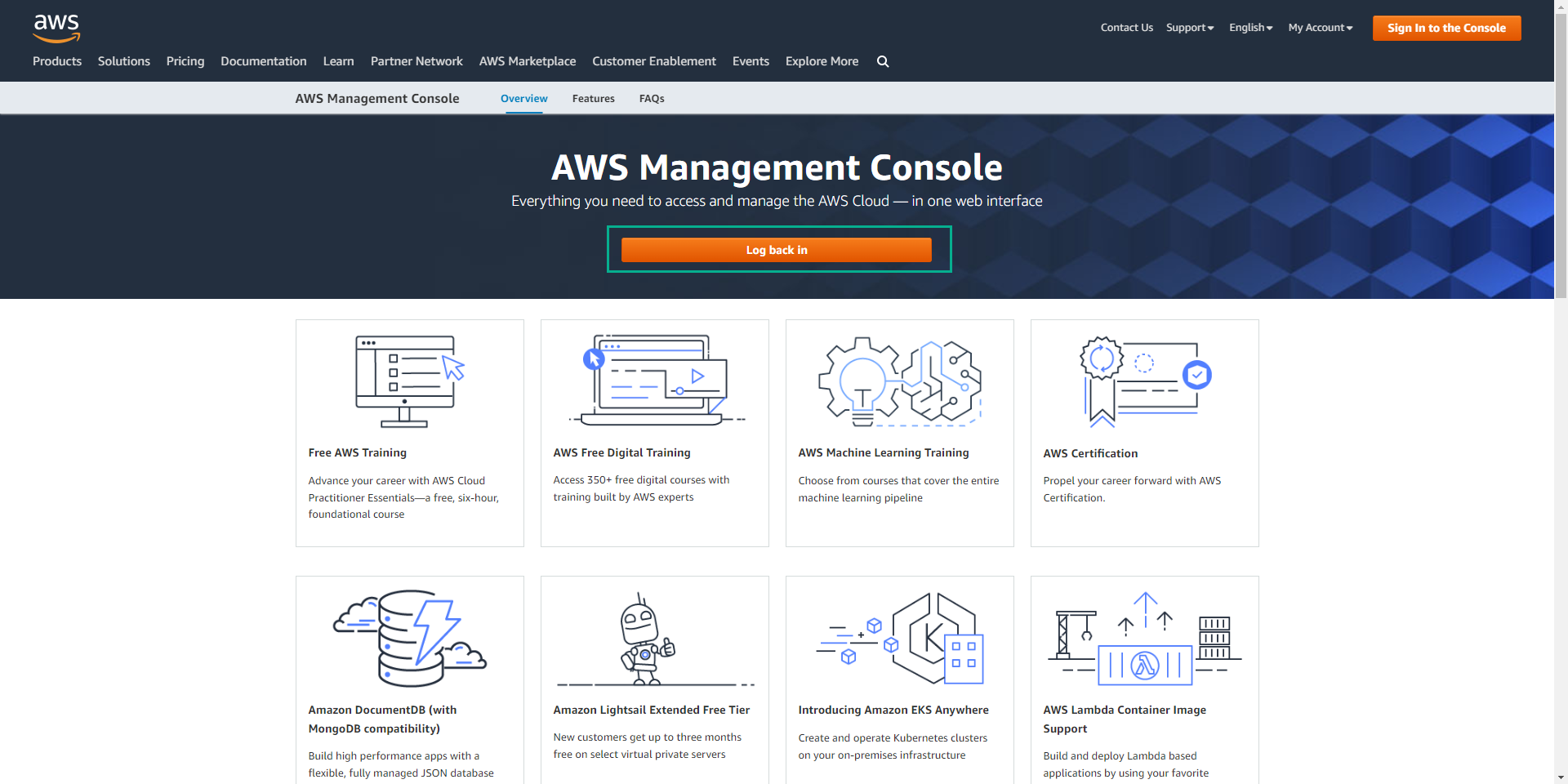
Click Log back in
- At IAM user name enter the user we created (testuser).
- At Password enter the password we set (123456Aa@).
- Click Sign in.
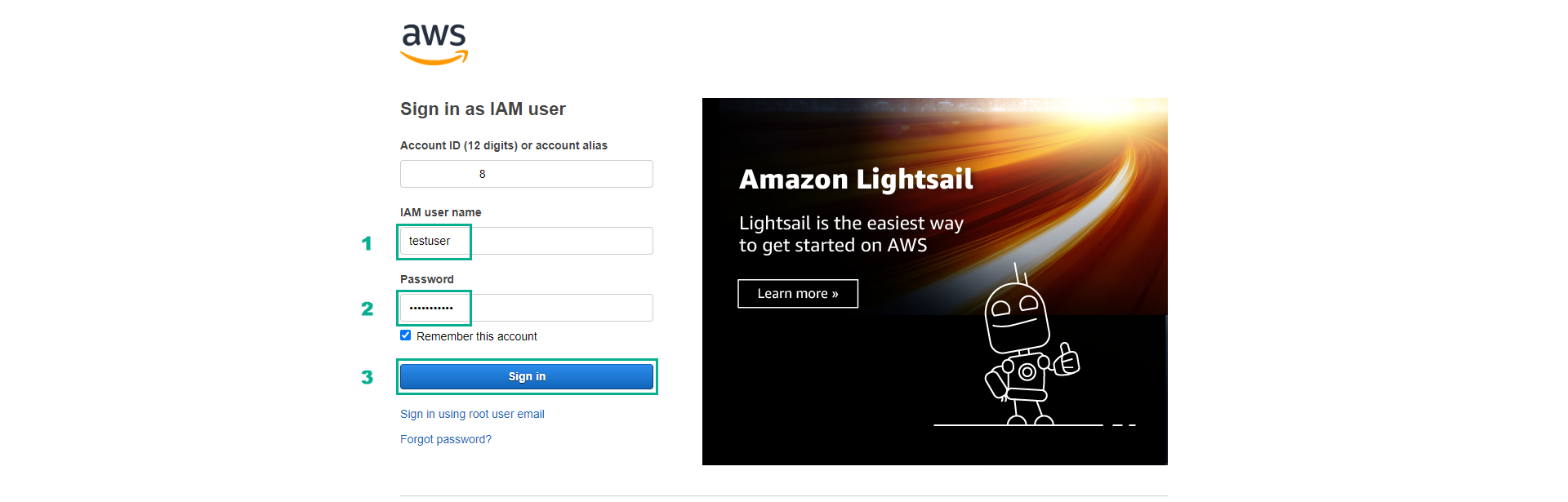
If you cannot log in successfully, please double-check the user and password information created in the previous steps. Also, make sure you use the correct AWS account ID when logging in.
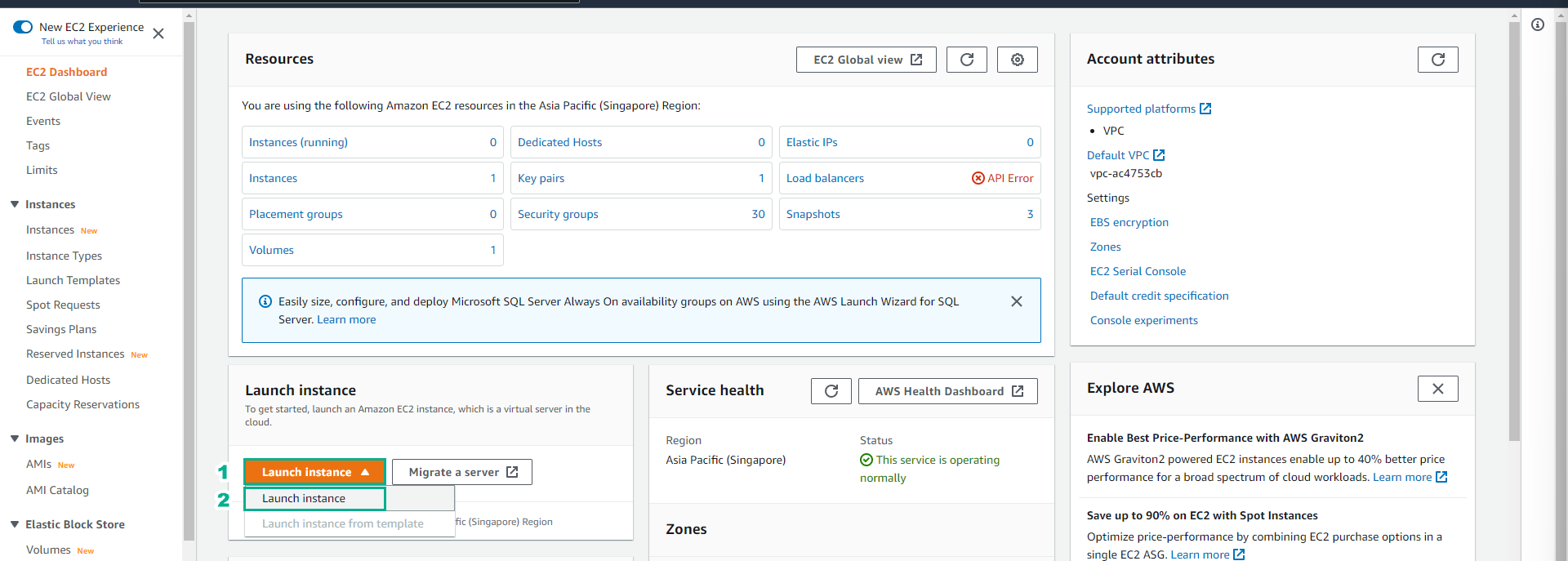
Click on the search box, click EC2 to go to the EC2 service management console.
Click Launch instance, then click Launch instance.
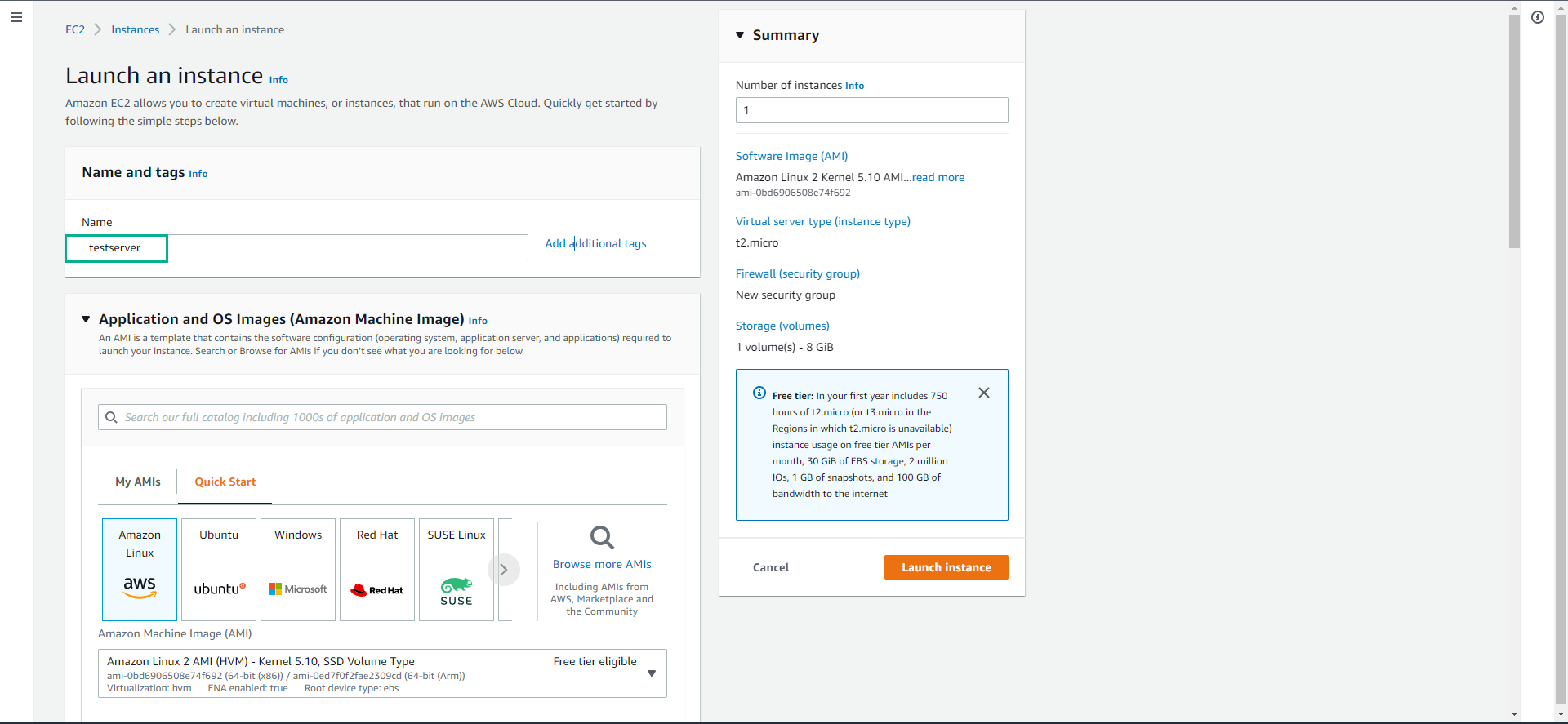
- At Name enter testserver
- At Key pair name, click on the Select box.
- Select Proceed without a key pair (Not recommended)
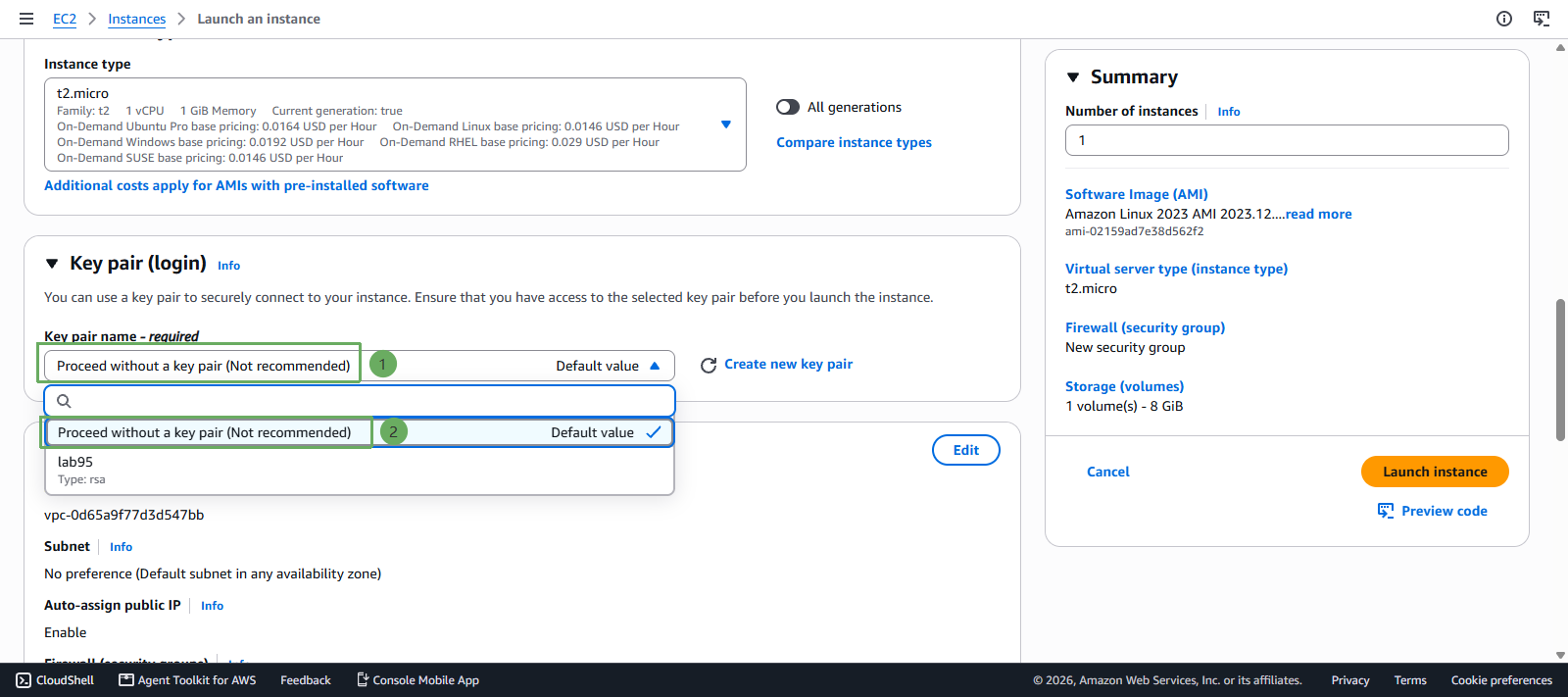
We will need a key pair to be able to connect to the EC2 instance. In this lab we only want to test the operation permissions on the service, so we will not need to connect to the EC2 instance.
- Click Launch Instance.
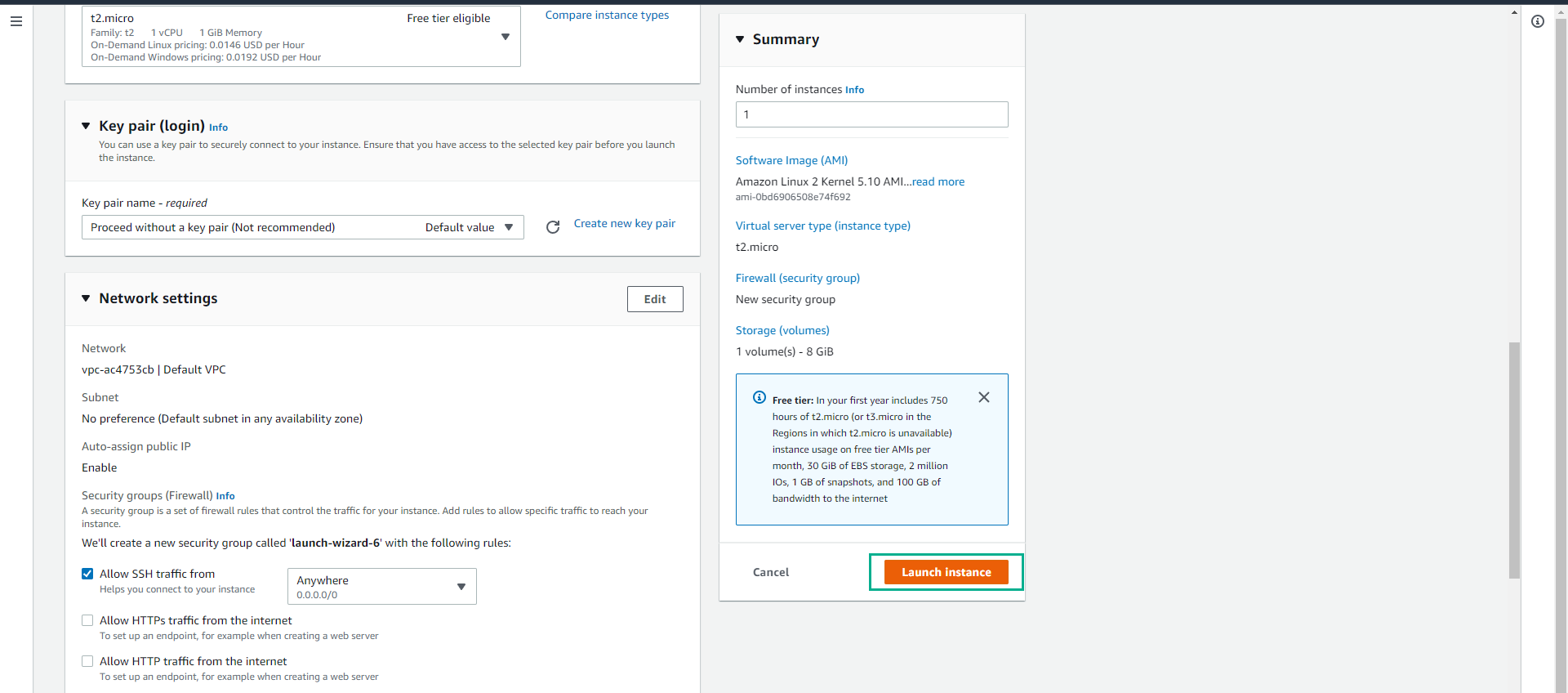
In this step, we attempted to create an EC2 instance with the instance type t2.micro and this process was unsuccessful because we only have permission to create instances in the T3 family.
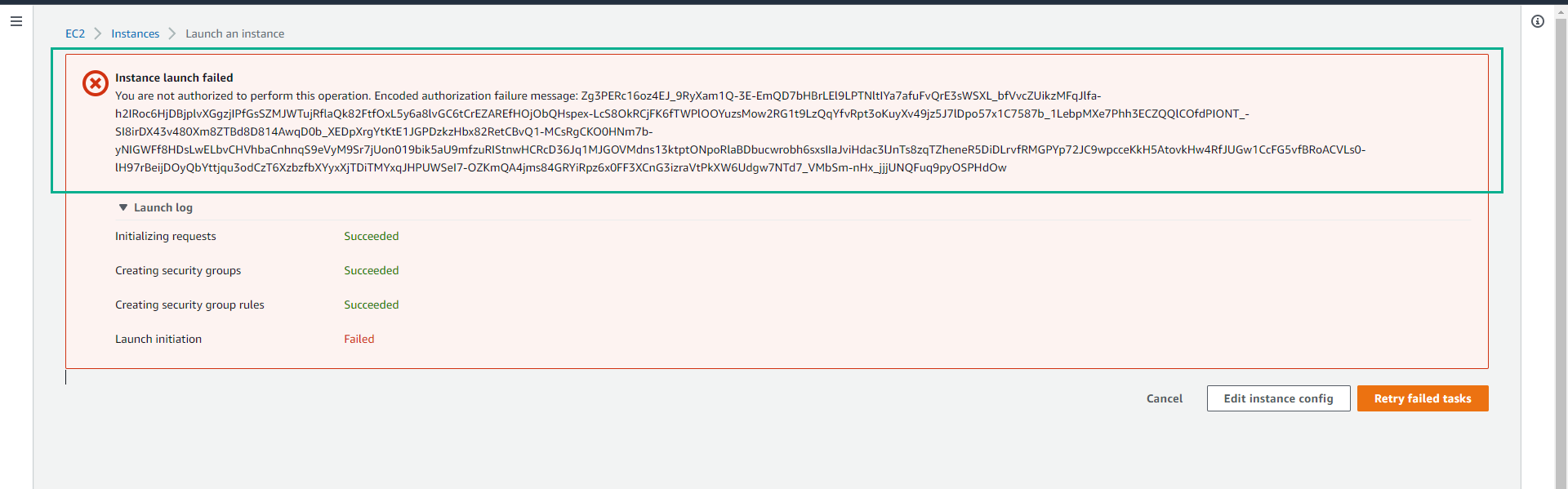
Try creating a server with T3 family
- Click Edit instance config.
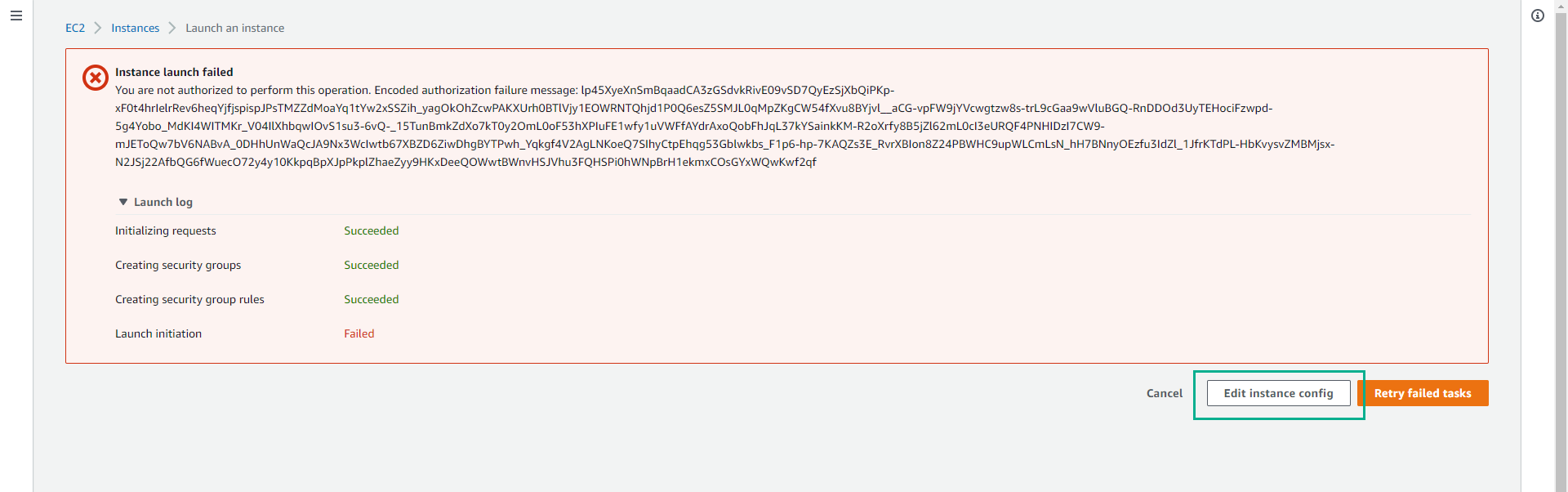
- Scroll down, click on the instance type t2.micro.
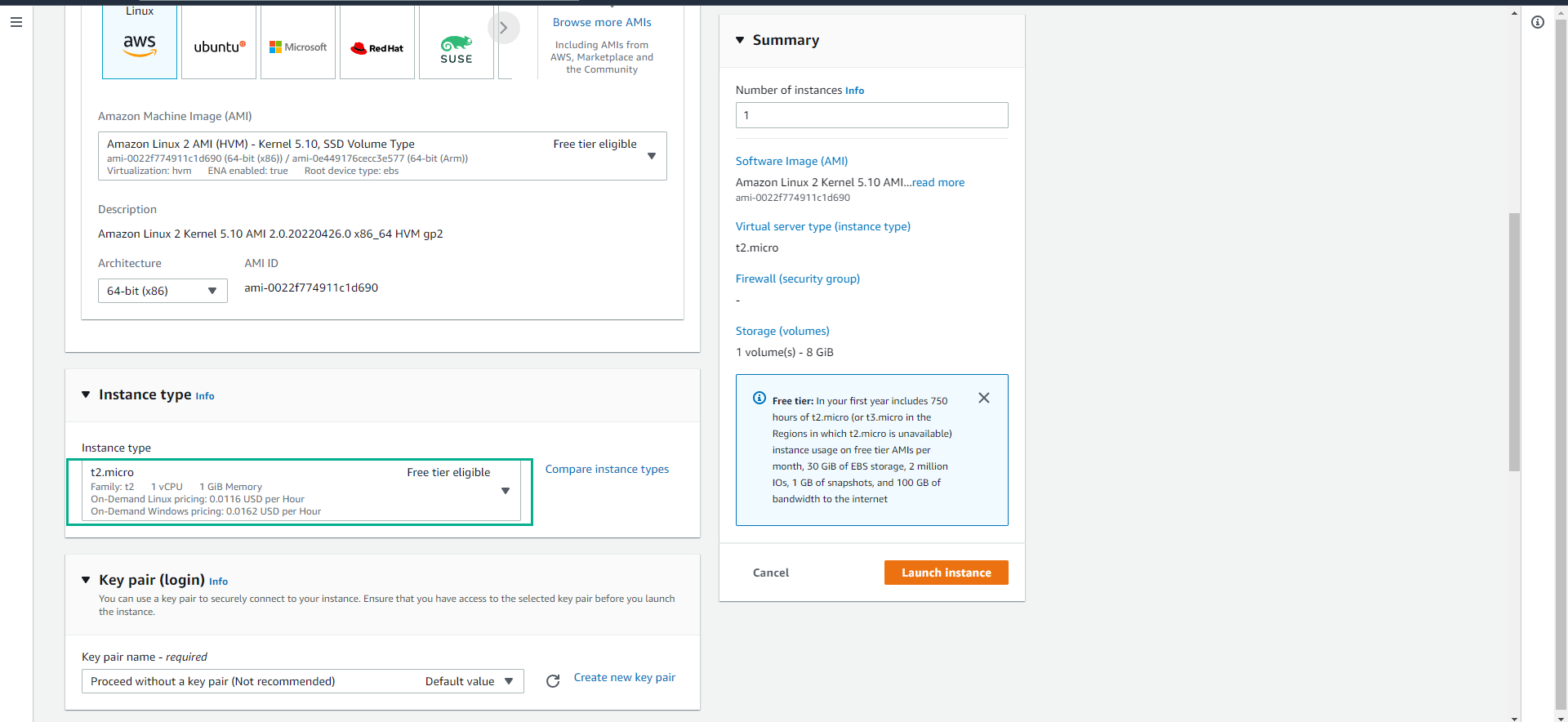
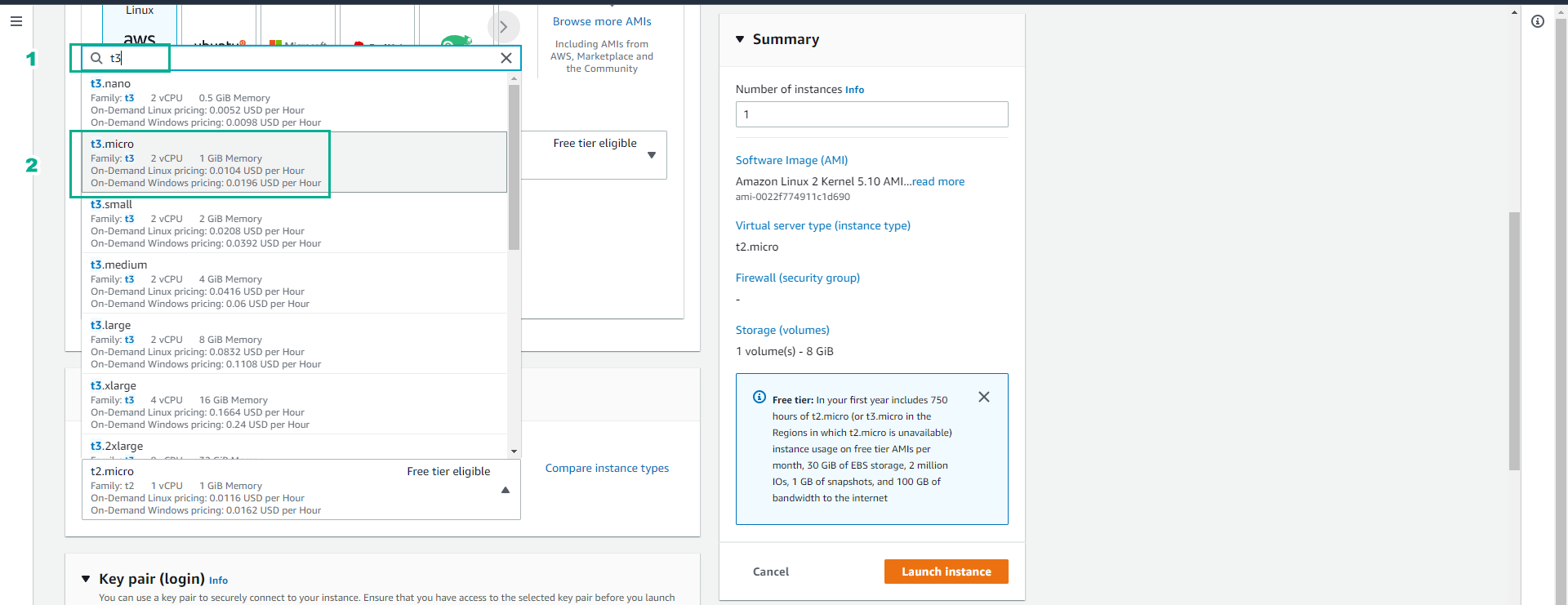
- In the search box, enter t3.
- Click to select instance type t3.micro.
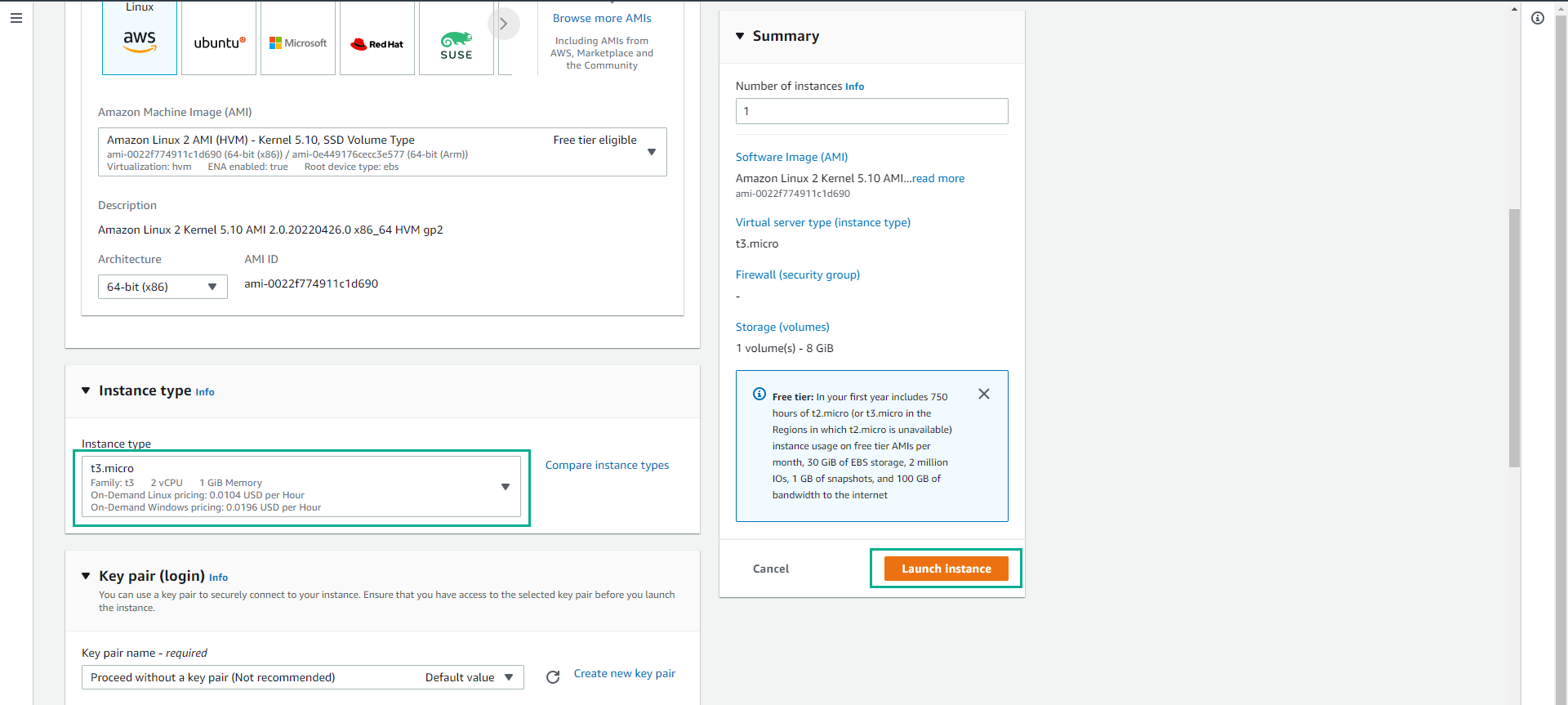
- Check that the Instance type has changed to t3.micro.
- Click Launch instance.
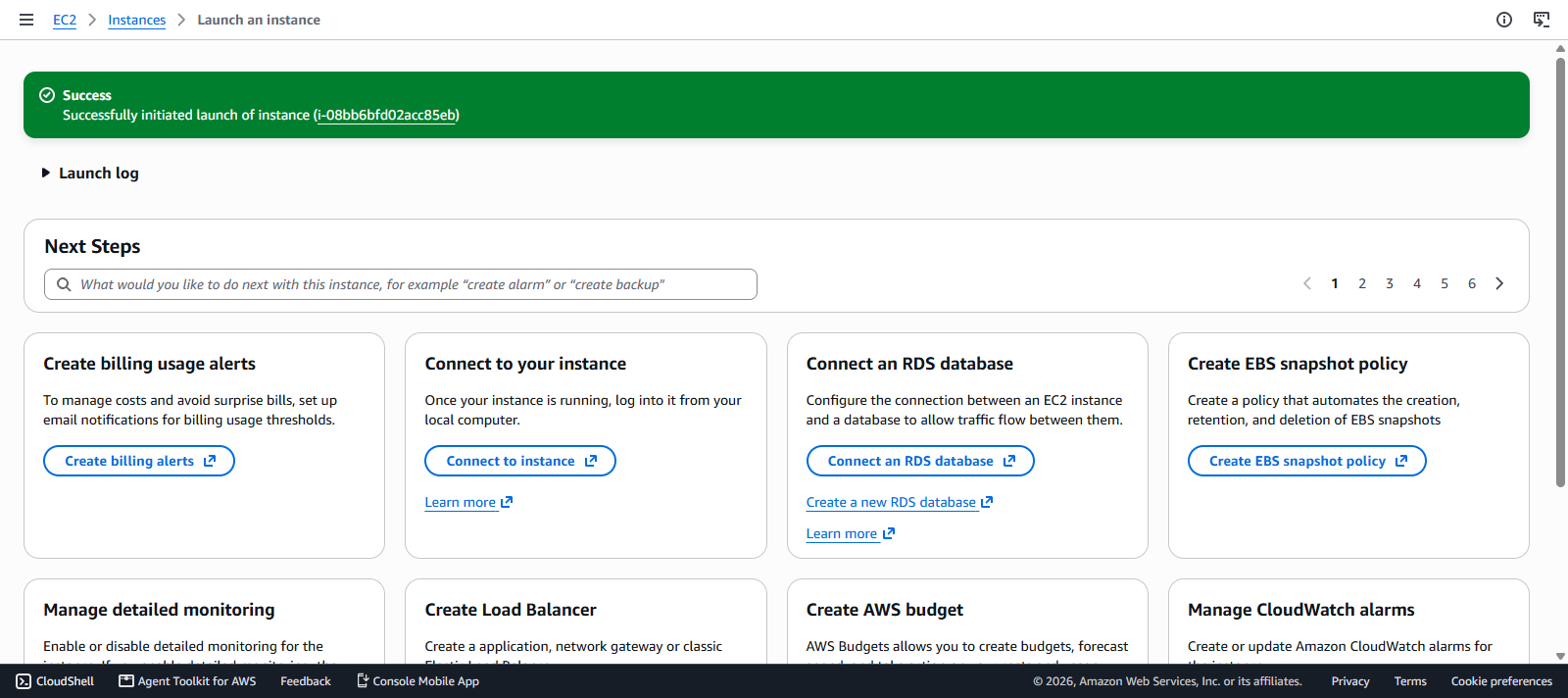
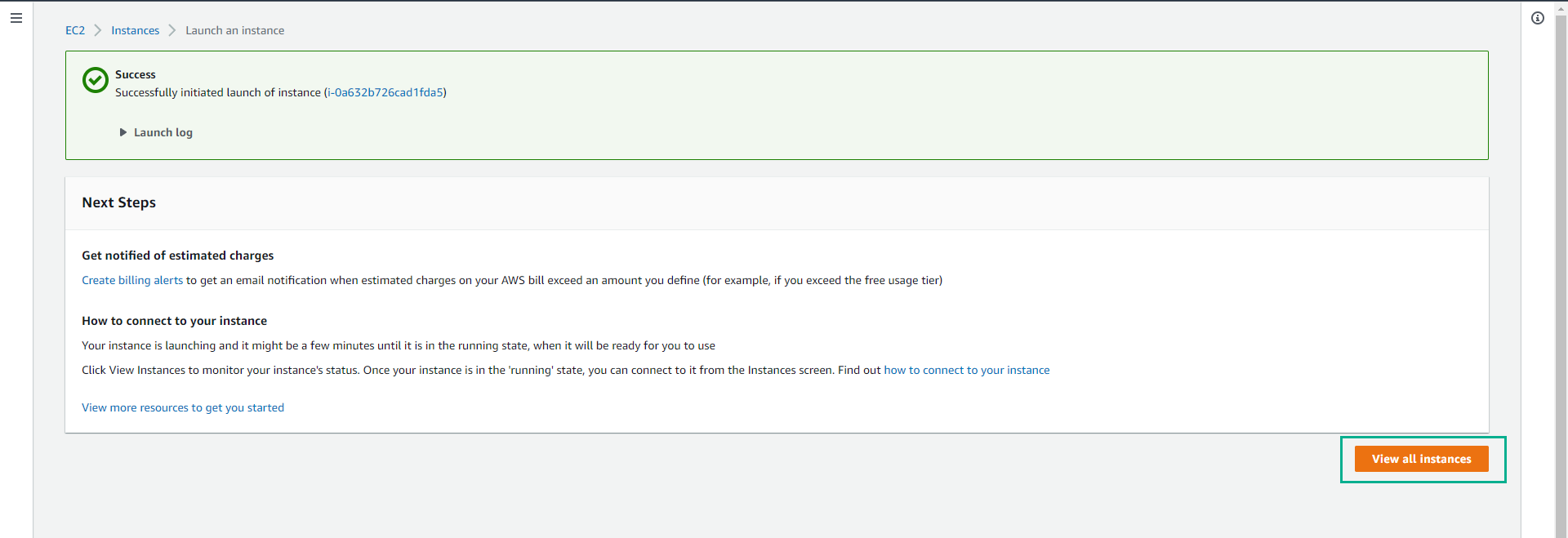
- We have successfully created an EC2 instance with the instance type t3.micro.
Delete the created testserver
- Click View all instances.
In the list of EC2 instances.
- Click on testserver.
Click Instance state.
- Click Terminate instance to proceed with deleting the testserver virtual server.
- Click Terminate to confirm.
Ensure you delete the instance successfully to avoid unexpected costs.

In this step, we have successfully created an EC2 instance with the instance type t3.micro. In the next section, we will try to restrict the creation of an instance with a specified size.