Update limit policy
Update policy to limit resource usage by EC2 instance size
Sign out and log back in with an IAM user with admin privileges.
Access the IAM service management console
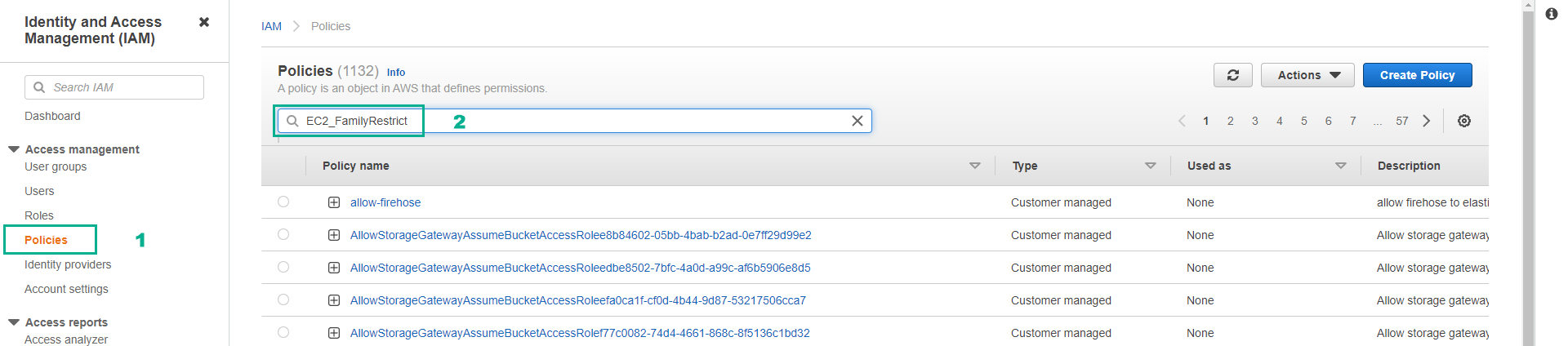
- Click Policies.
- In the search box, enter EC2_FamilyRestrict.
- Press Enter.
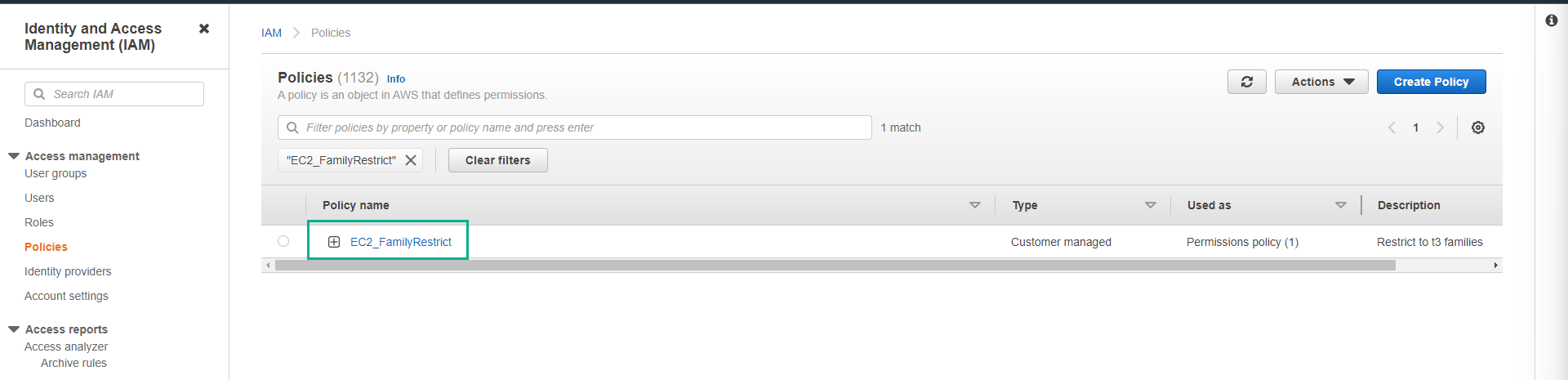
- Click the policy EC2_FamilyRestrict.
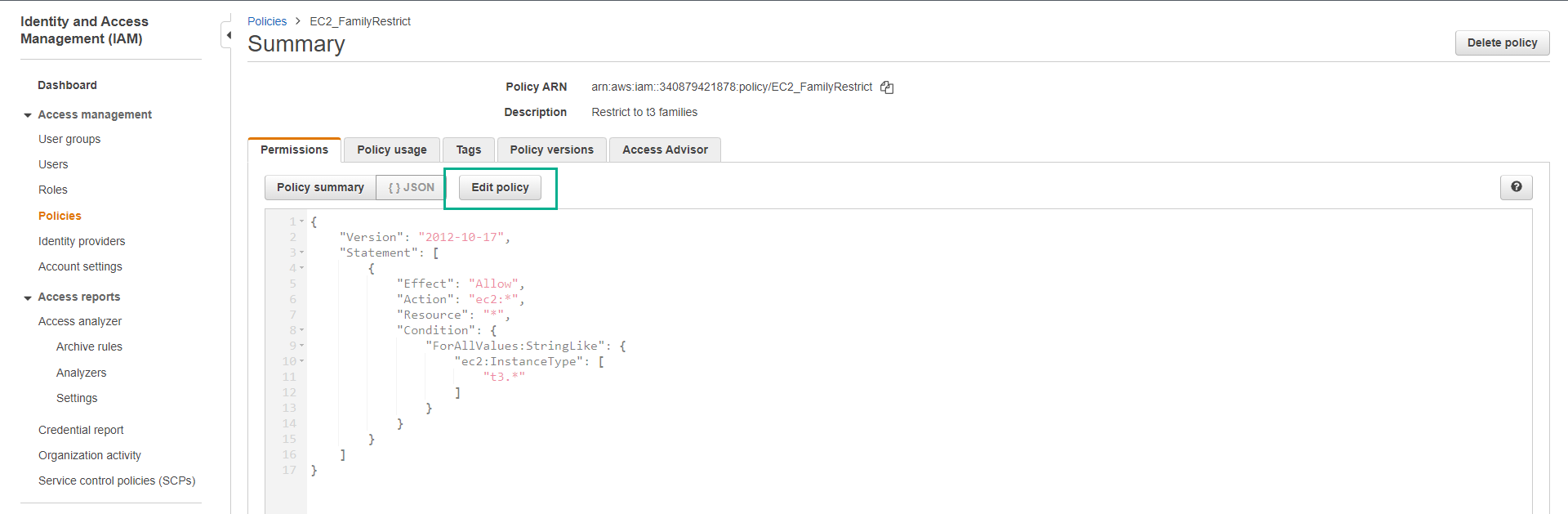
- Click Edit policy.
- Copy the policy snippet below to replace it.
{
    "Version": "2012-10-17",
    "Statement": [
        {
            "Effect": "Allow",
            "Action": "ec2:*",
            "Resource": "*",
            "Condition": {
                "ForAllValues:StringLike": {
                    "ec2:InstanceType": [
                        "t3.nano"
                    ]
                }
            }
        }
    ]
}
- Click Next.
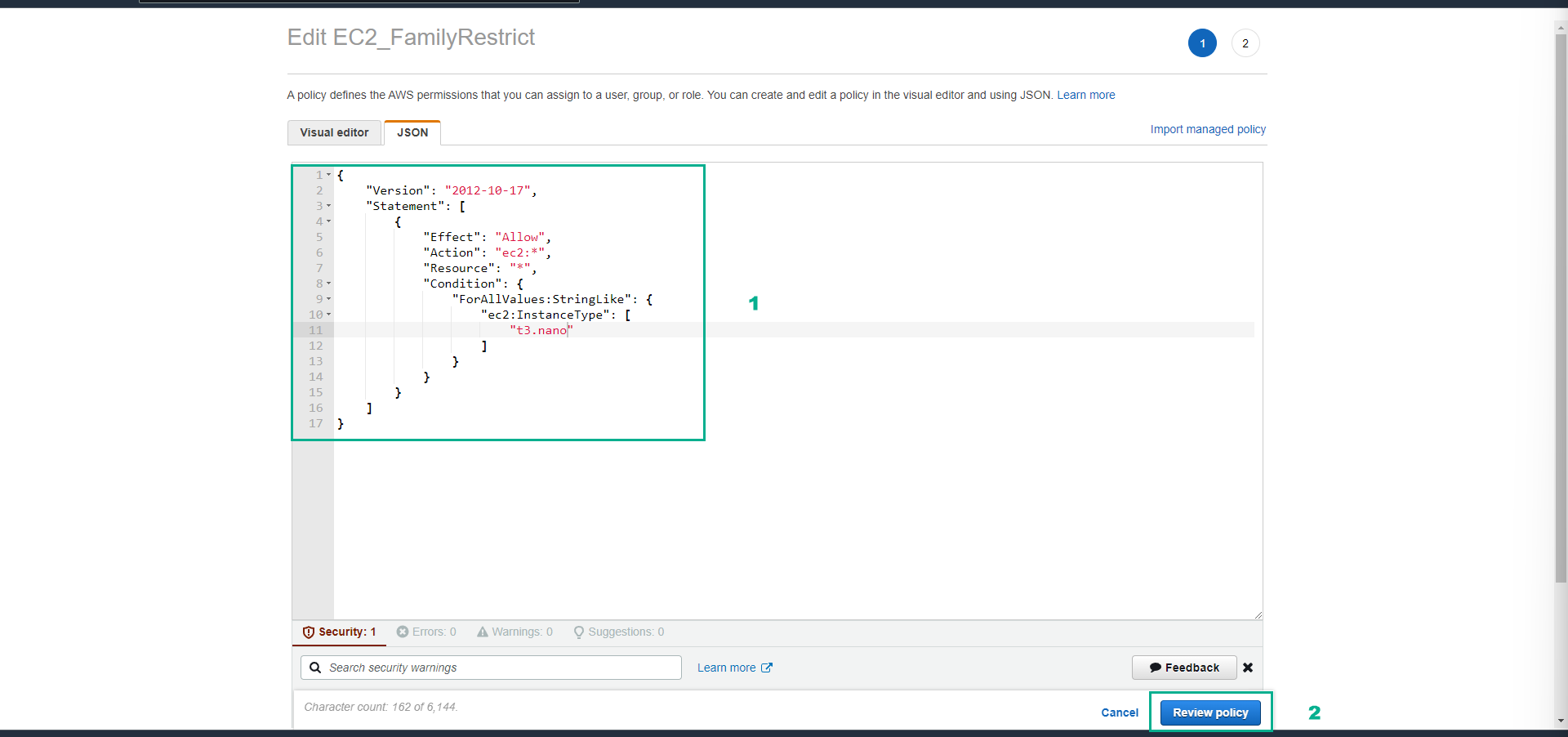
- Click Save changes.
In this step we have clearly specified that we can only create instances with family and size as t3.nano. In the next step, we will test the effectiveness of this policy.