Test policy effectiveness
Test policy effectiveness by creating an EC2 instance with volume type io1
Click on the name of the currently logged-in user.
- Click Sign out.
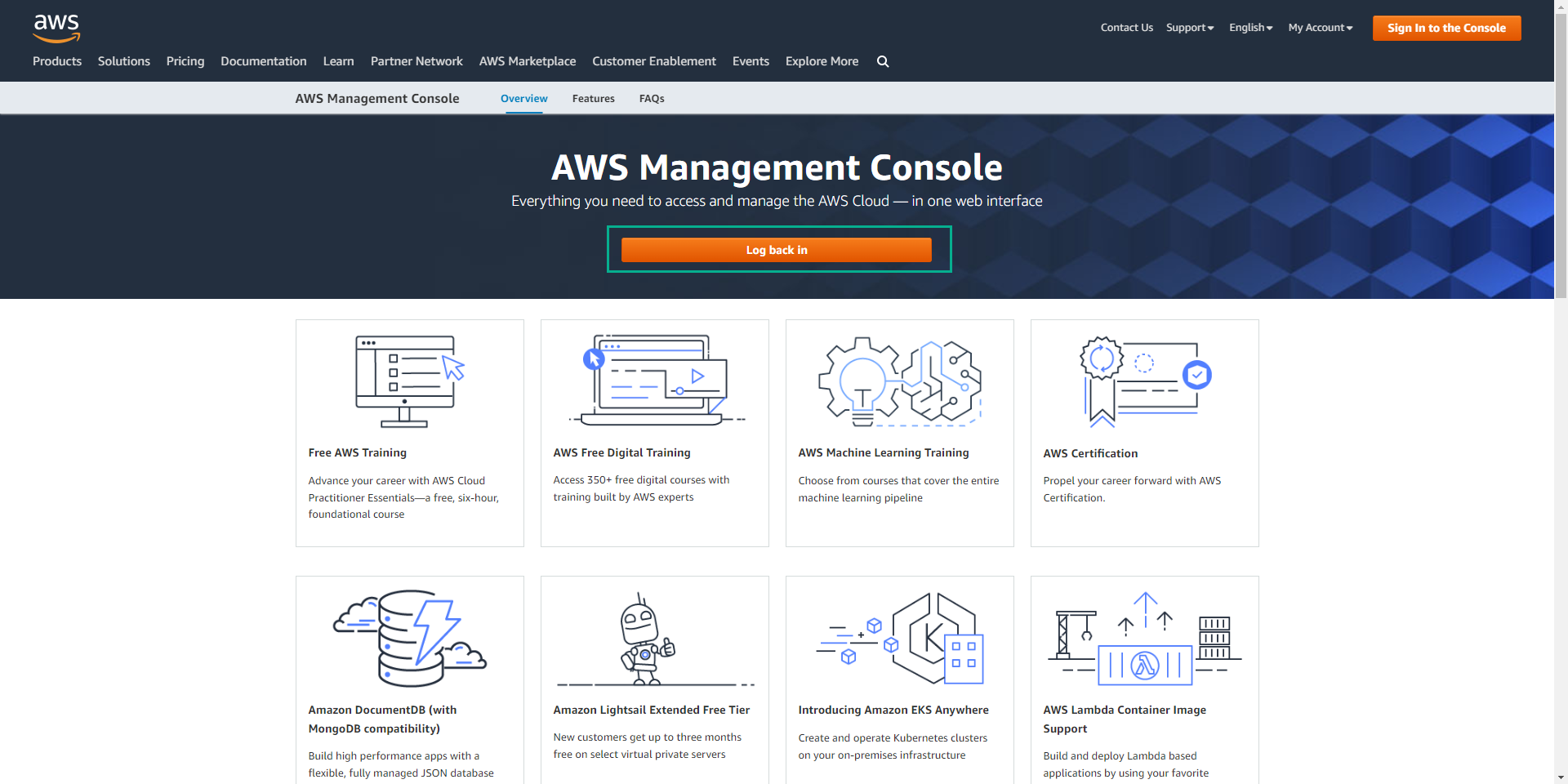
Click Log back in
- At IAM user name enter the user we created (testuser).
- At Password enter the password we set (Testuser123).
- Click Sign in.
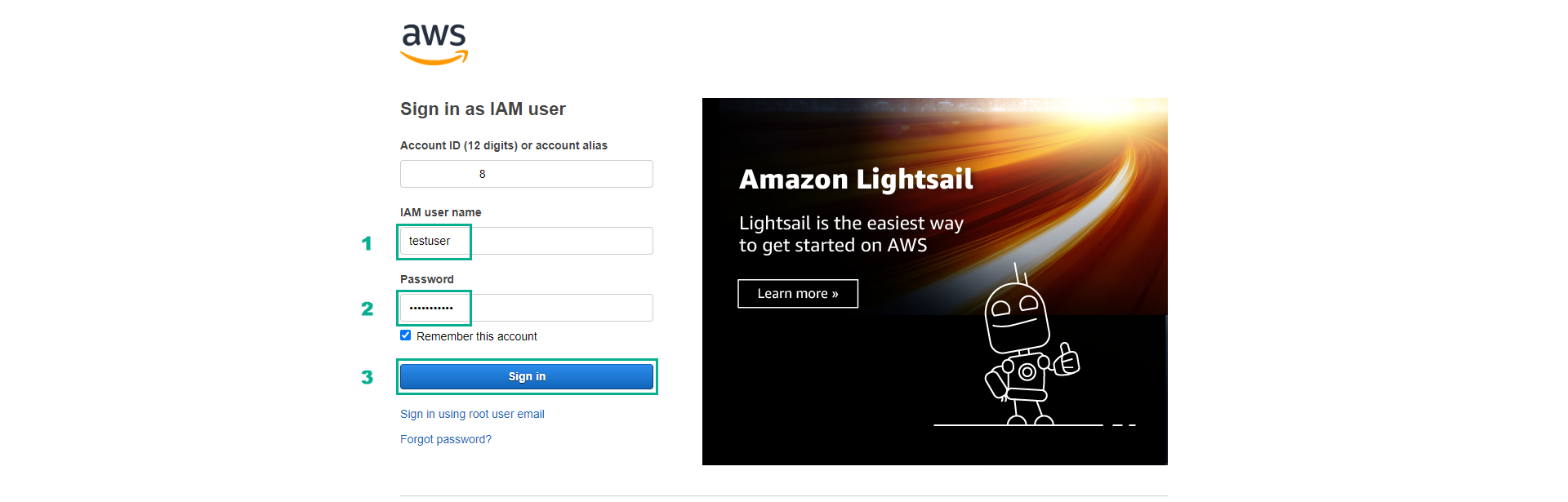
If you cannot log in successfully, please double-check the user and password information created in the previous steps. Also, make sure you use the correct AWS account ID when logging in.
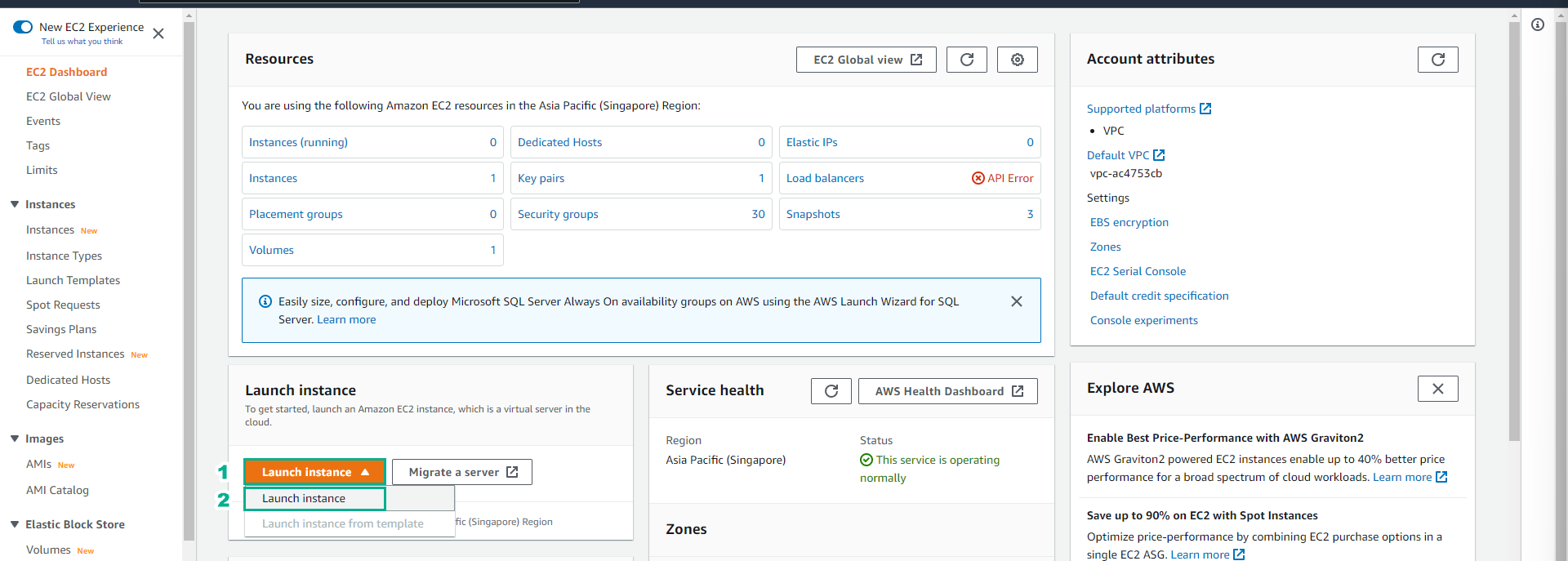
Click on the search box, click EC2 to go to the EC2 service management console.
Click Launch instance, then click Launch instance.
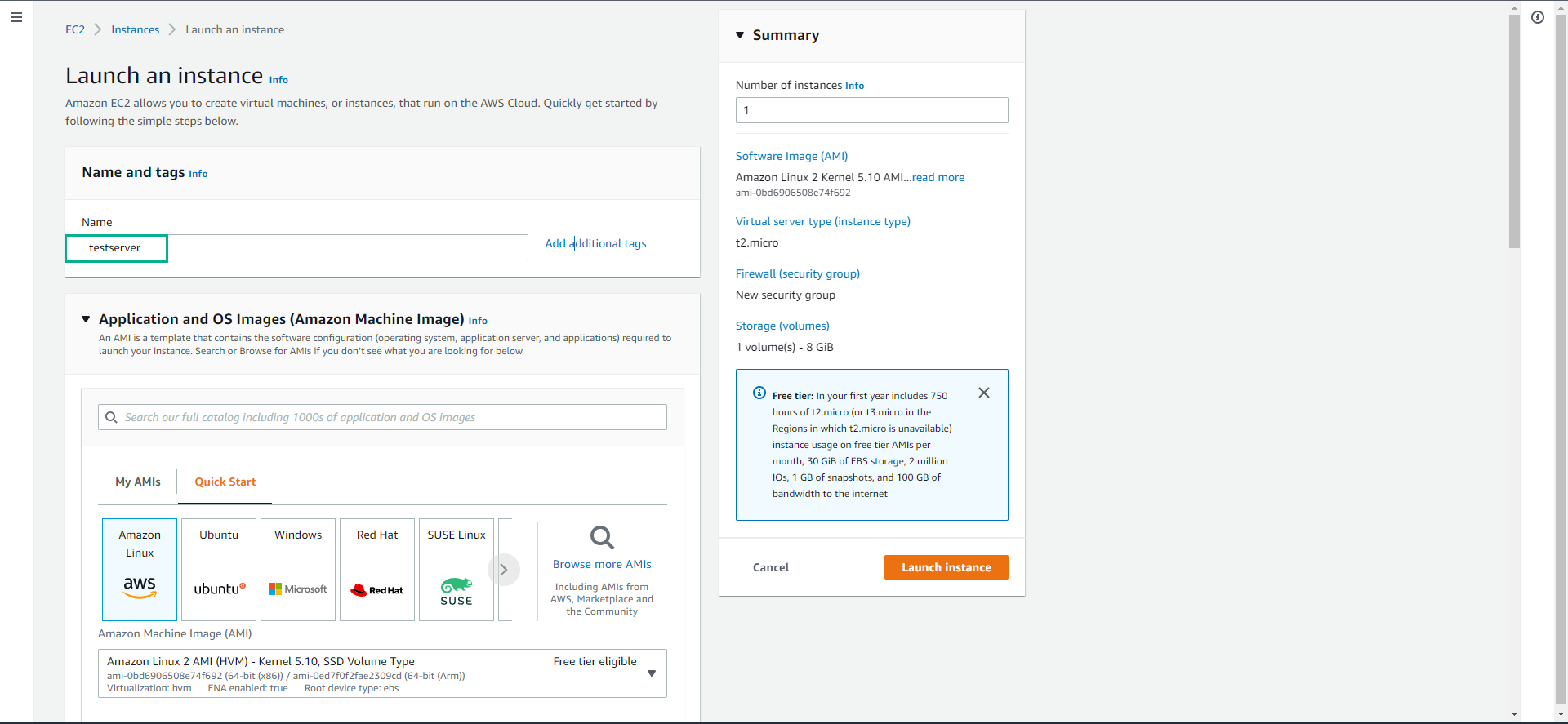
- At Name enter testserver
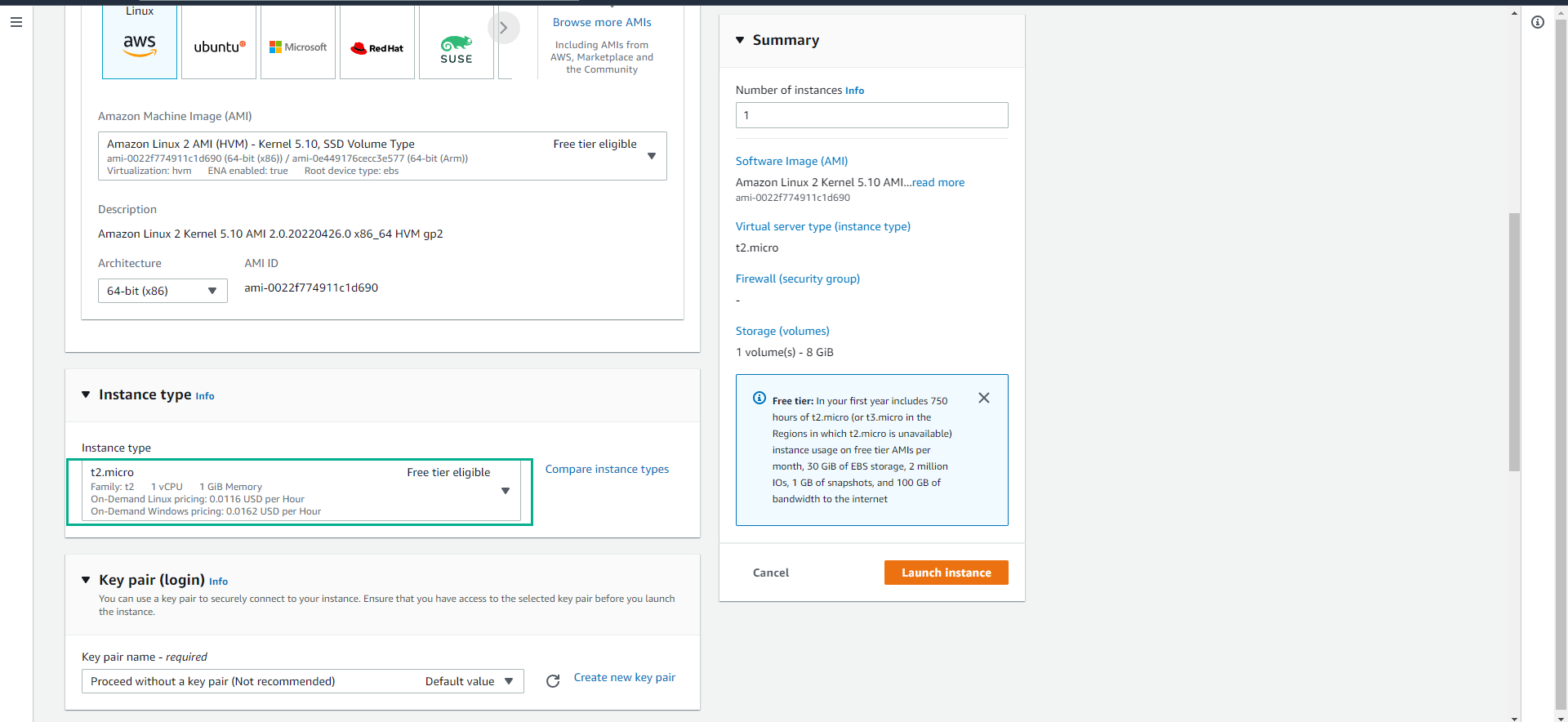
- Scroll down, click on the instance type t2.micro.
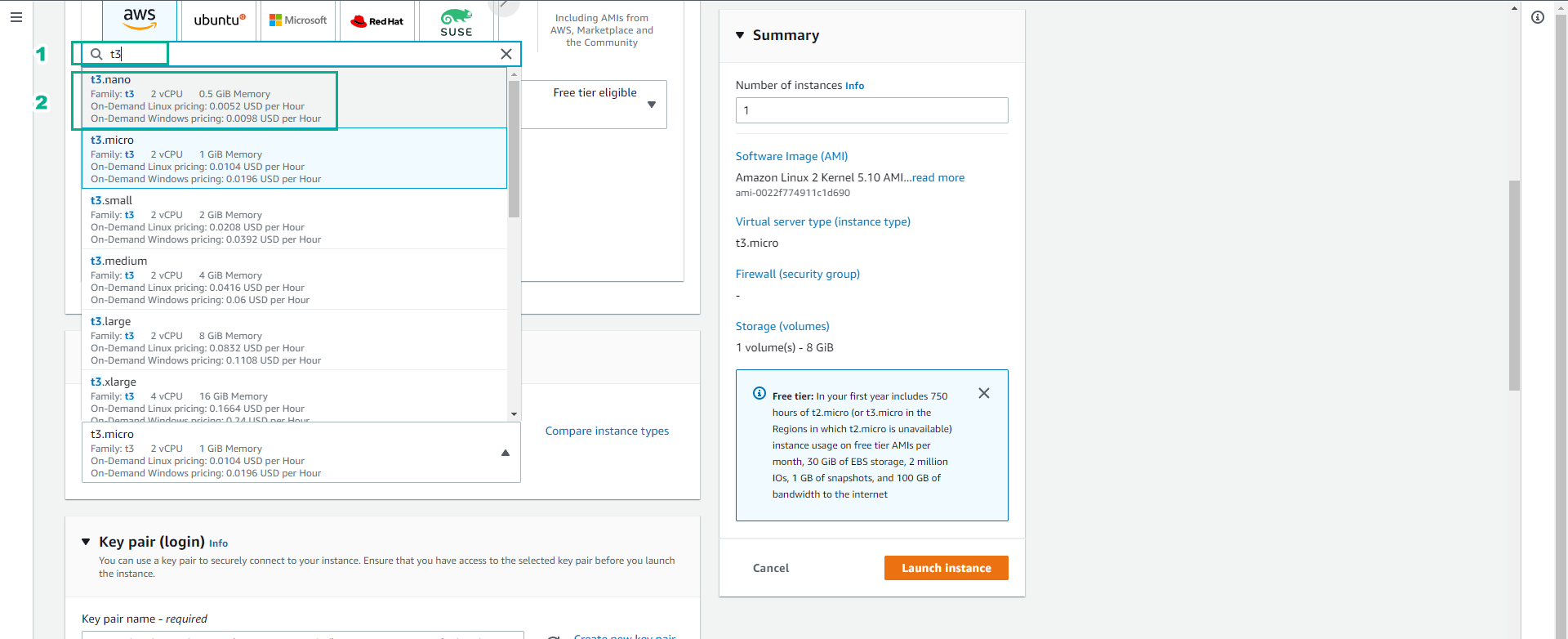
- In the search box, enter t3.
- Click to select instance type t3.nano.
- At Key pair name, click on the Select box.
- Select Proceed without a key pair (Not recommended)
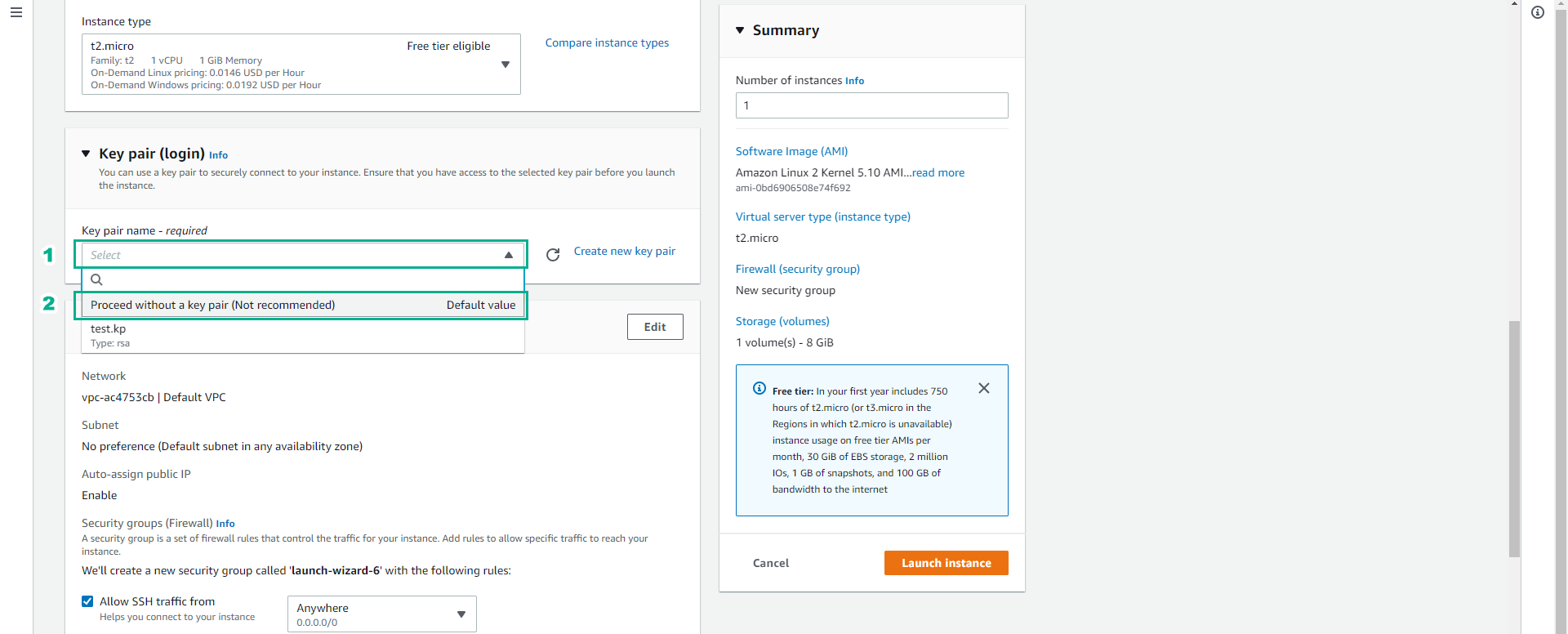
We will need a key pair to be able to connect to the EC2 instance. In this lab we only want to test the operation permissions on the service, so we will not need to connect to the EC2 instance.
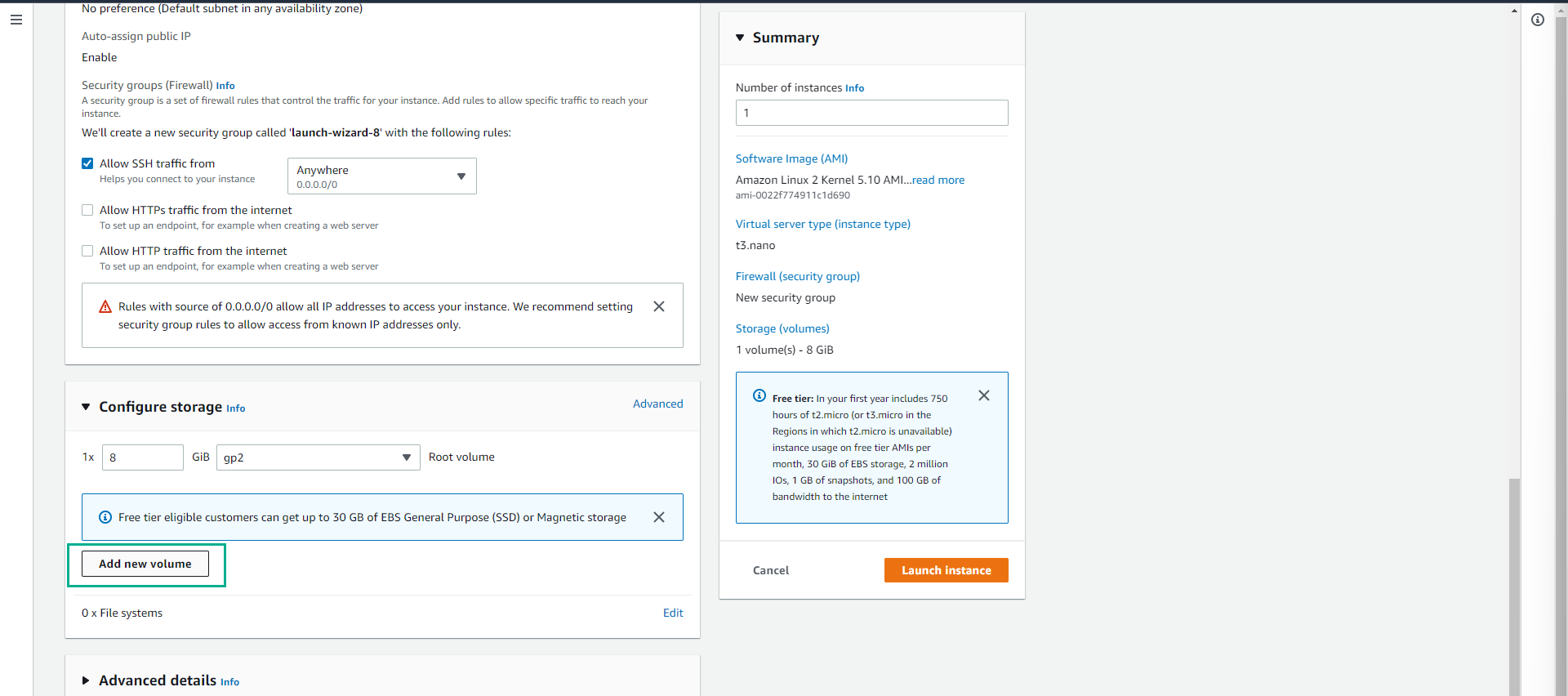
- Scroll down, at Configure storage.
- Click Add new volume.
- Click gp3.
- Click to select Provisioned IOPS SSD (io1) to switch the volume type to io1.
- Click Launch instance.
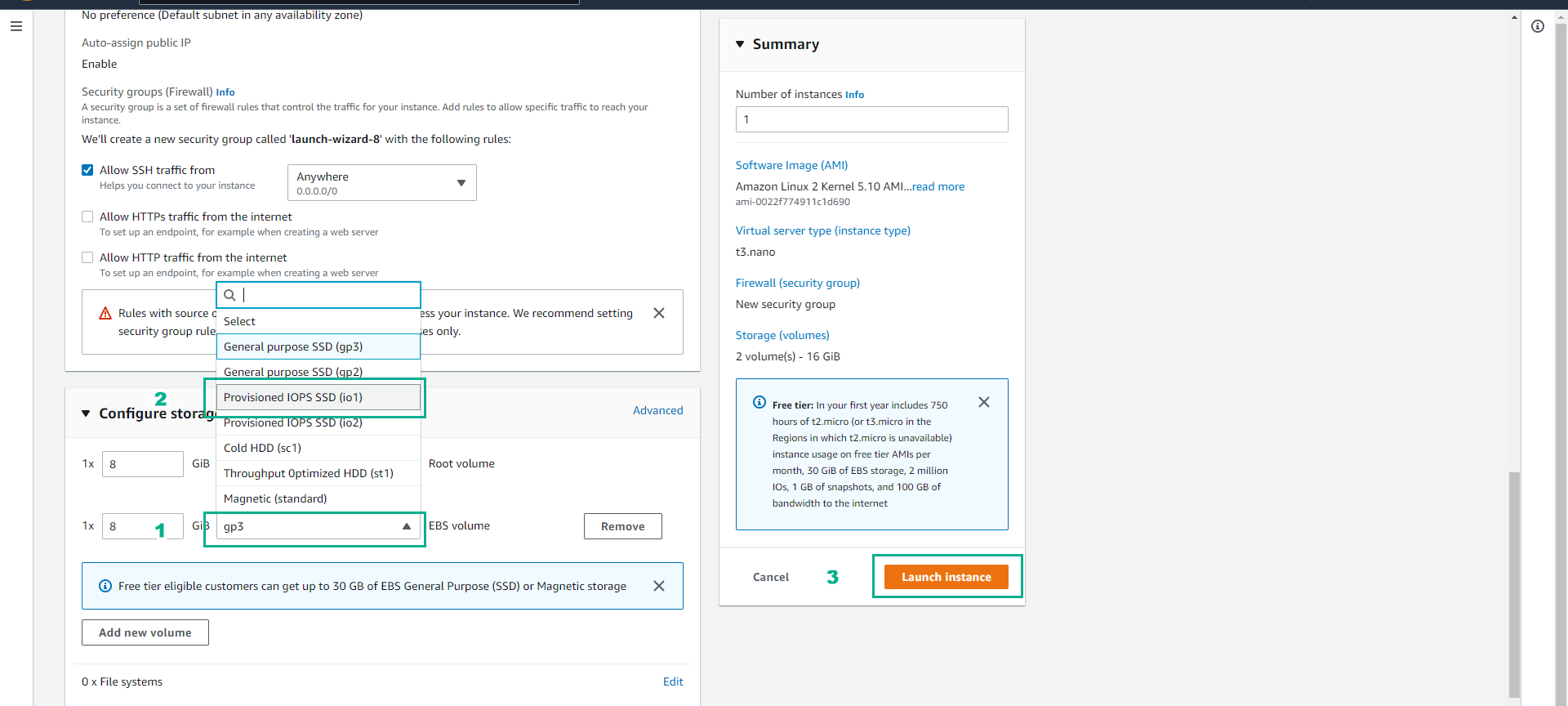
- We will see that launching the instance with volume type io1 will be unsuccessful.
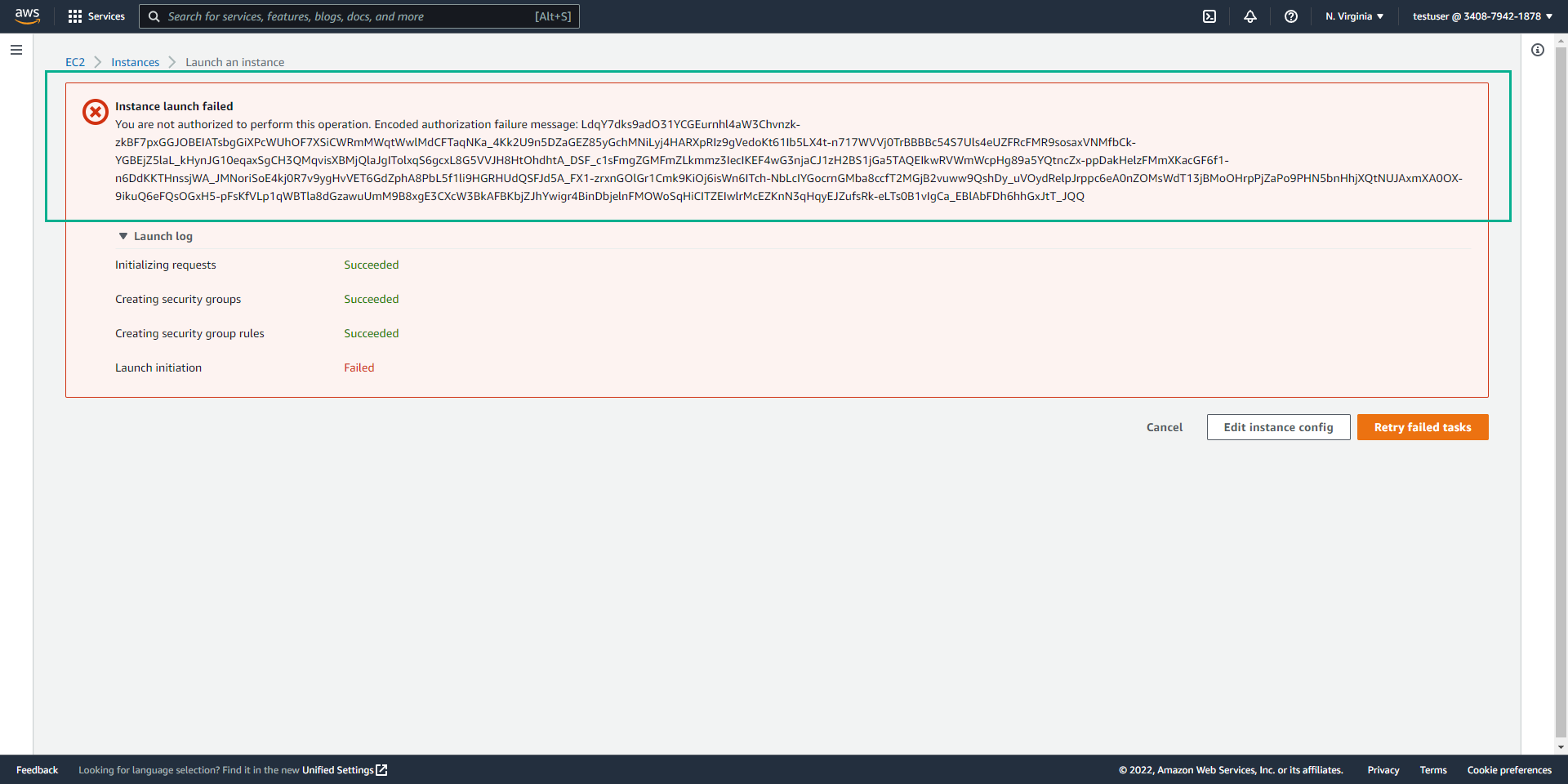
Try creating a server with volume type gp3
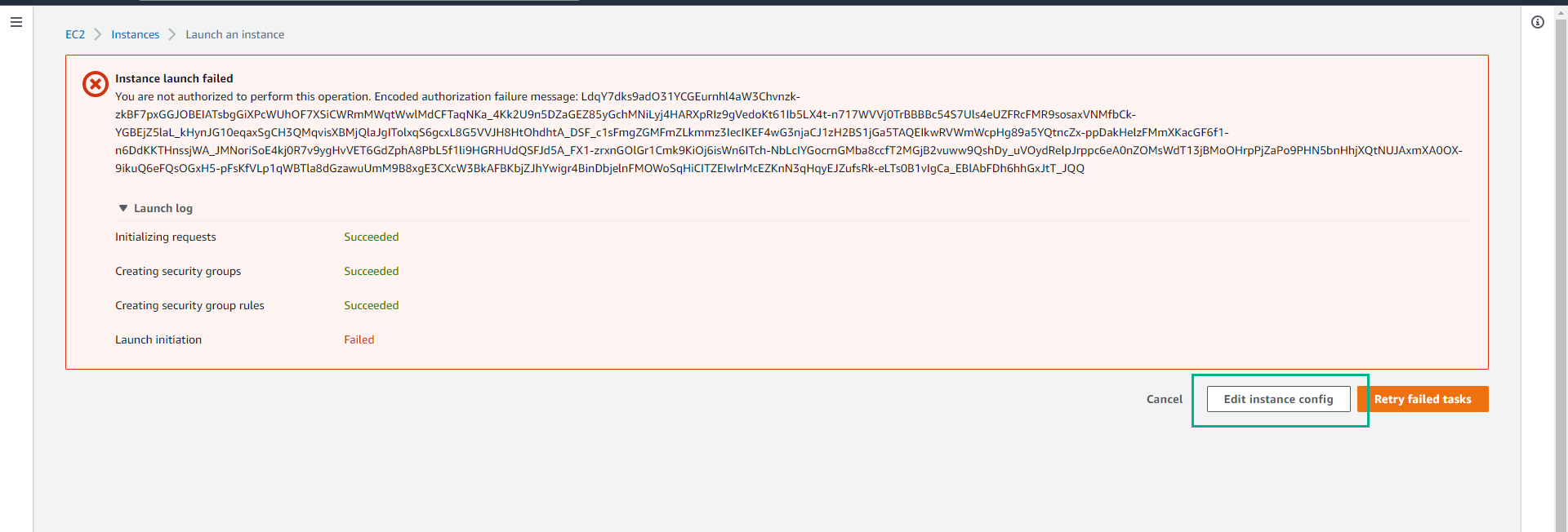
- Click Edit instance config.
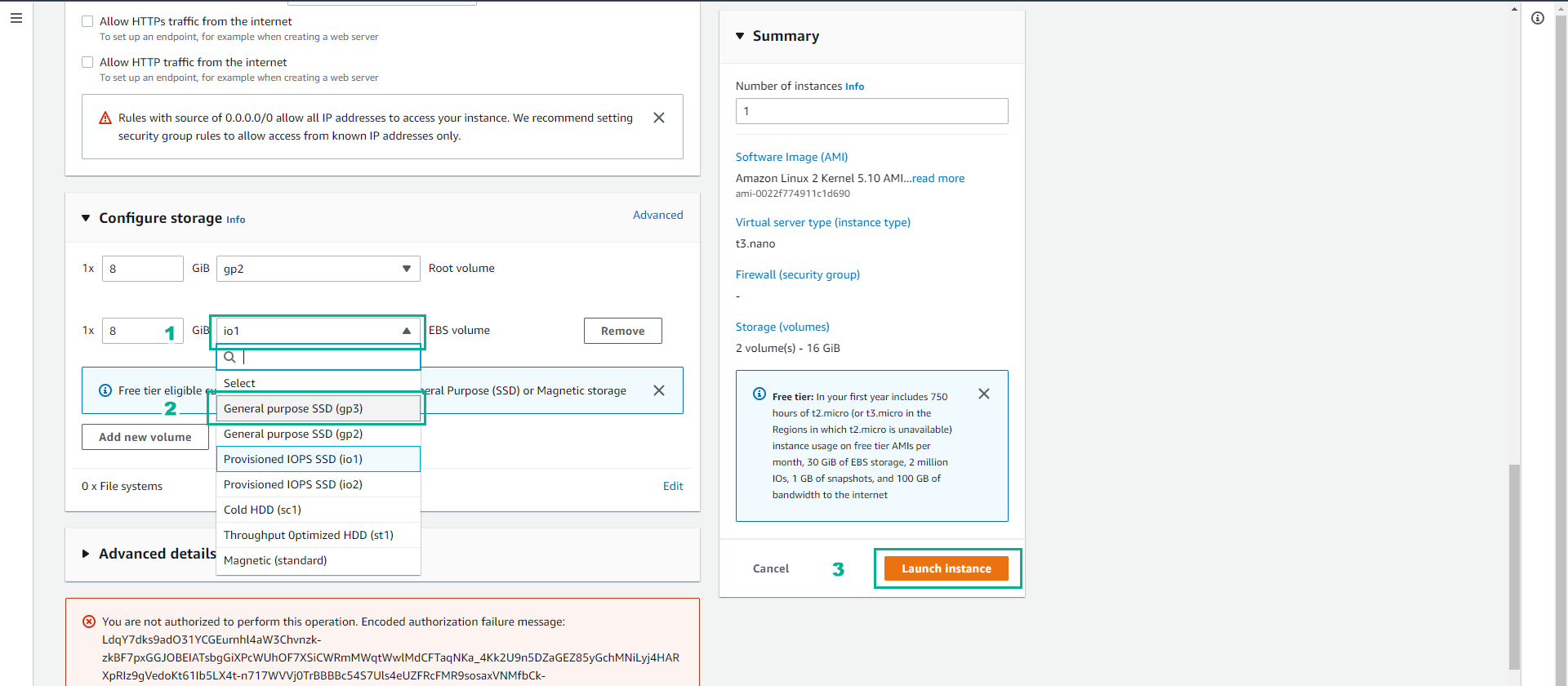
- Scroll down, click on io1.
- Click to select General purpose SSD(gp3) to switch the volume type to gp3.
- Click Launch instance.
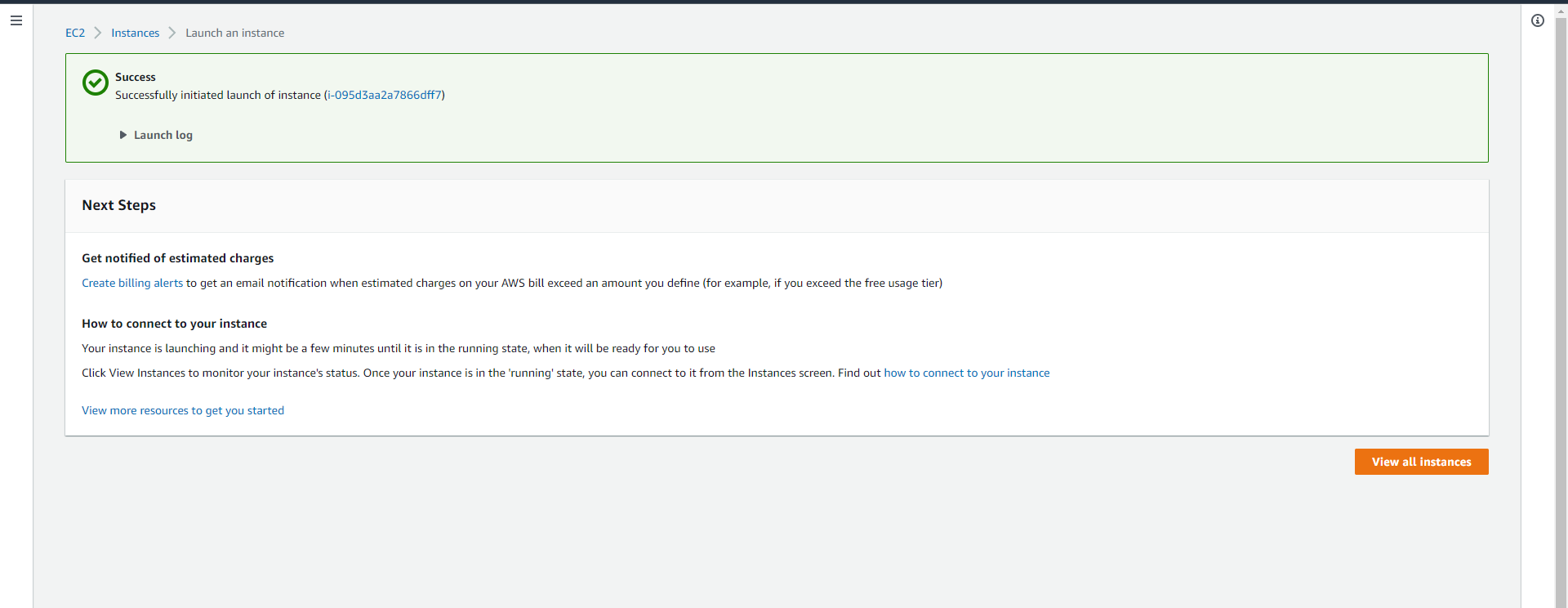
- We have successfully created an EC2 instance with the instance type t3.nano and volume type gp3.
Delete the created testserver
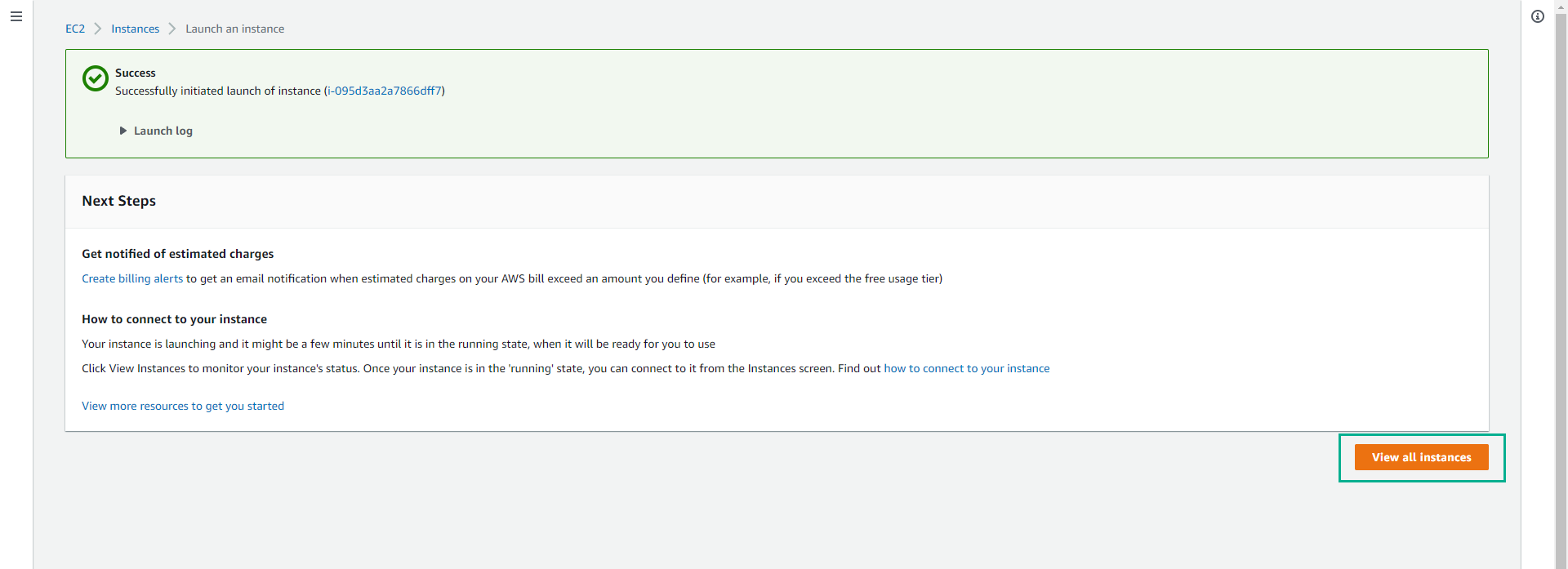
- Click View all instances.
In the list of EC2 instances.
- Click on testserver.
Click Instance state.
- Click Terminate instance to proceed with deleting the testserver virtual server.
- Click Terminate to confirm.
Ensure you delete the instance successfully to avoid unexpected costs.

In this step, we have successfully created an EC2 instance with the instance type t3.nano and with the volume type gp3 (prohibiting the user from creating a volume type of io1). In the next step, we will proceed to clean up the resources.